Capital Program Management Software for Owners
Risk shouldn’t be a surprise.
Anticipate changes before they affect your progress or budget. Kahua’s capital program management software connects cost, funding, risk, workflows, and reporting so you can plan ahead.







Get answers faster.
Move from a portfolio view to the projects in it—without asking teams to rebuild the reports. Give executives, boards, and finance teams accurate answers with up-to-date context.
Standardize with flexibility.
Set standard controls across the program, and create unique workflows for different project types, regions, and partners. Keep the structure consistent, but not one-size-fits-all.
Spot risks early enough to act.
Bring cost, schedule, change, and status into the same program view. When risk begins to build, leaders can respond before the issue becomes harder or more expensive to address.
Reduce time spent on reporting.
Use connected data and dashboards to reduce manual reporting and data entry and analysis. Give lean teams more time to manage the program instead of one-off reports.
Kahua for Owners
See how capital program leaders can manage their full portfolio.

Keep project costs current
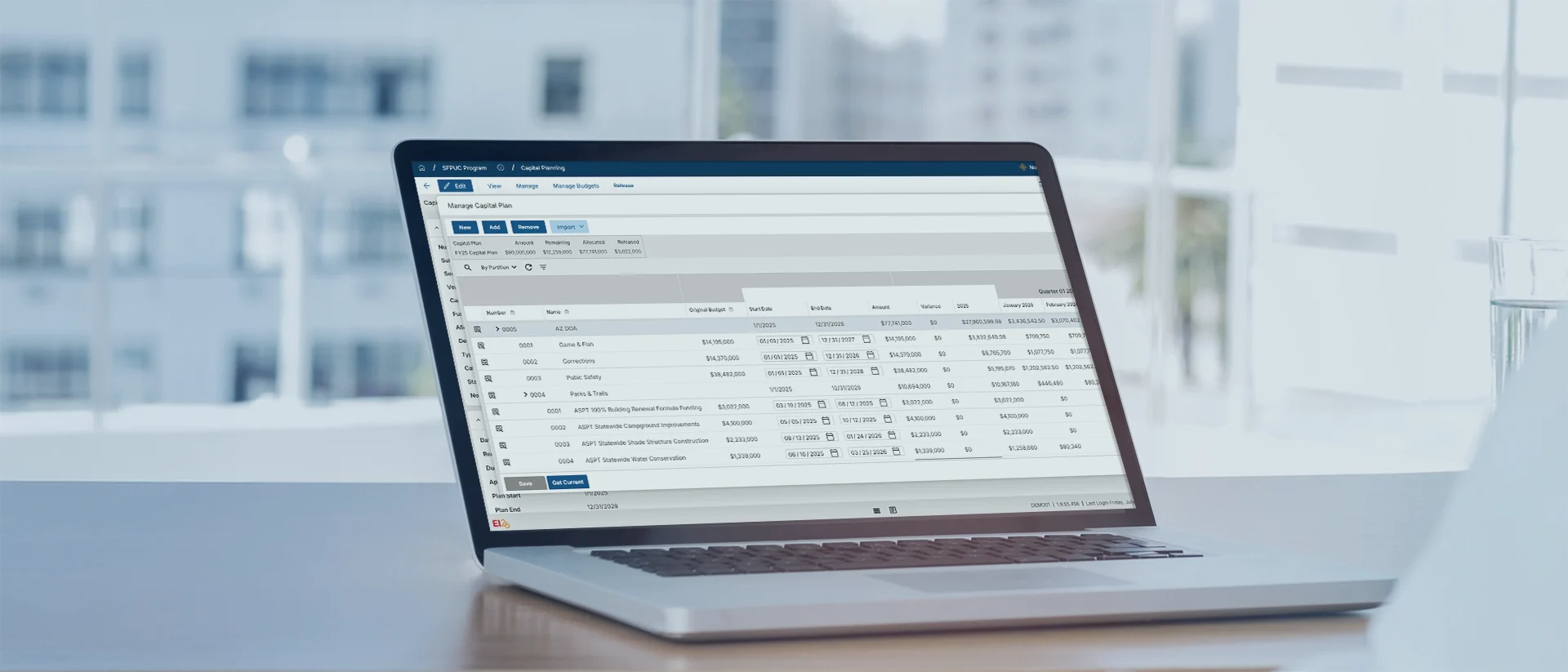
Plan capital priorities

See the full portfolio
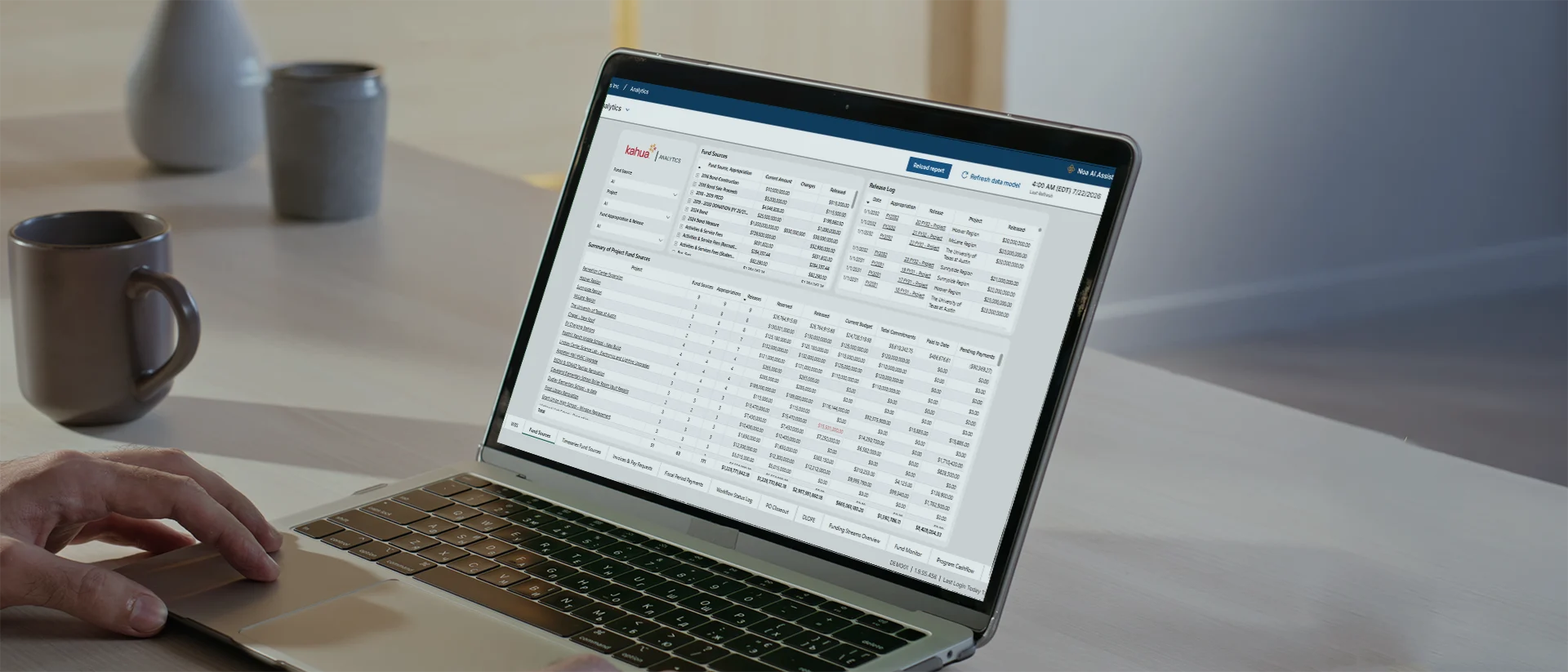
Connect funds to projects

Turn data into answers
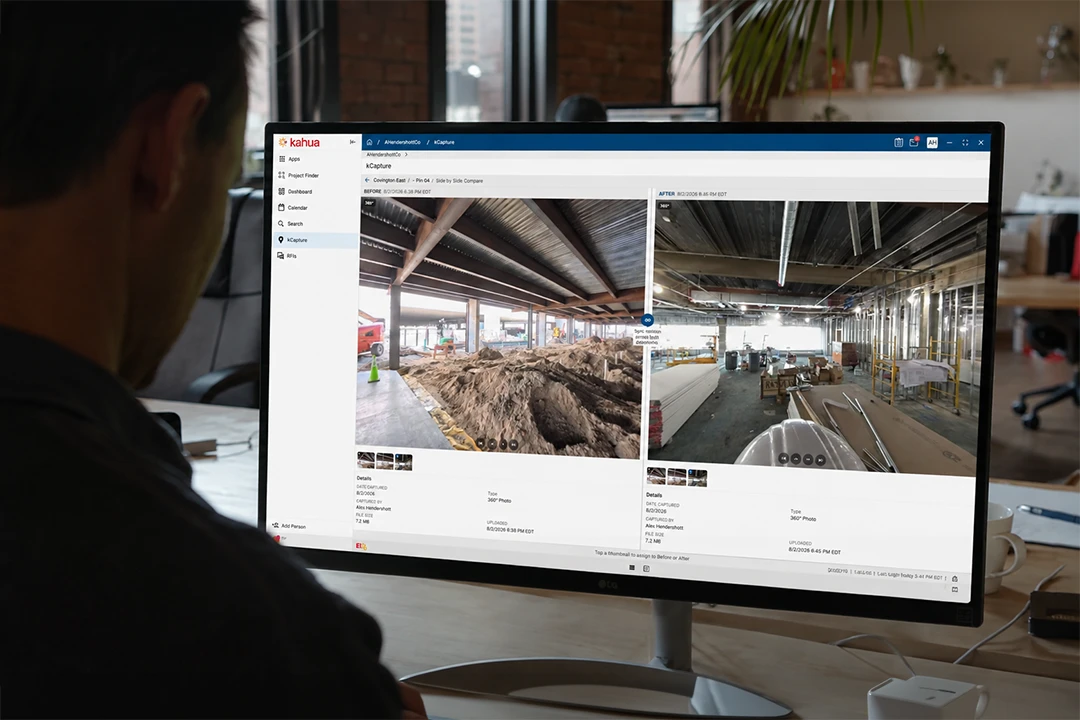
Reality capture
Construction-ready intelligence that operates within your secure, governed environment.
Explore Kahua AIIntegrations
Keep your systems fully connected.










Customer Testimonials
Owners use Kahua to streamline new construction projects.
Enterprise-Grade Security
Keep control of program data even as teams and partners change.
FAQs
Frequently asked questions
Owners need software that connects the ground-level details to larger portfolio decisions. Learn how to support reporting, cost control, governance, and long-term program delivery.
Capital program management software helps owners and program leaders manage multiple projects as one coordinated portfolio. It connects project controls, cost, funding, workflows, reporting, and program history, so leaders can move from a portfolio-level question to the project record behind the answer.
In Kahua, teams can standardize governance without forcing every project type, department, or delivery partner into the same process.
Kahua keeps current project information connected to program and portfolio reporting. Leaders can start with dashboards showing cost, status, change, and other risk indicators, then delve into project records behind the trend to understand where it’s coming from.
Structuring data this way mitigates risk because it reduces the delay between an issue appearing in project work and leadership understanding what it could mean for the wider program.
Yes. Capital program leaders can establish common governance, reporting, and data structures, then configure workflows, forms, permissions, and templates for different project types, regions, departments, or delivery partners.
This keeps program reporting consistent while giving project teams a process that fits the work.
Kahua connects budgets, commitments, changes, actuals, forecasts, and funding sources to the project and program structure.
Program leaders can review how spending is moving across the portfolio and understand the project detail behind a forecast, while finance teams retain the context needed for reconciliation and reporting.
Yes. Kahua can connect project workflows and cost data with ERP, accounting, scheduling, asset management, and other enterprise systems.
The integration design depends on the systems involved, which platform owns each record, and whether information needs to move in one or both directions.
Noa™, powered by Kahua AI, works inside Kahua’s governed environment and follows existing access controls. It helps authorized users find information, work with project records, draft content, and reduce repetitive tasks.
With kBuilder Canvas™, teams can create and deploy new apps or workflows in plain language within the Kahua platform they already use, reducing the need to introduce and vet a separate point solution.
Kahua Resources
Explore resources for capital program leaders.




Who Uses Kahua?