Utility Construction Software
Bring order to complex water and wastewater programs.
Kahua’s utility construction software helps water and wastewater teams manage plant upgrades, linear work, funding, approvals, reporting, and asset data in one place.

The work is connected. The data often isn’t.
Aging assets and linear work
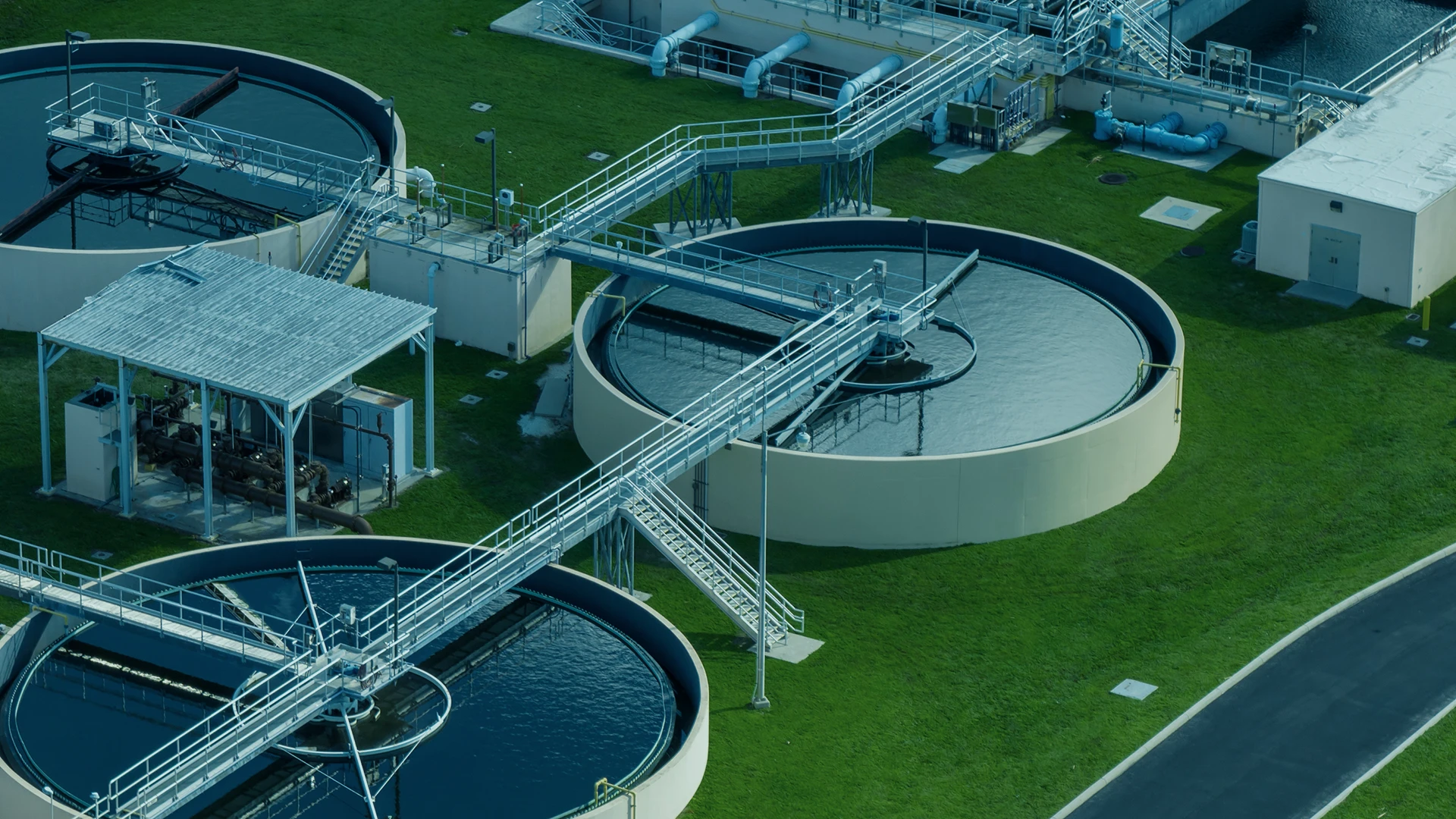
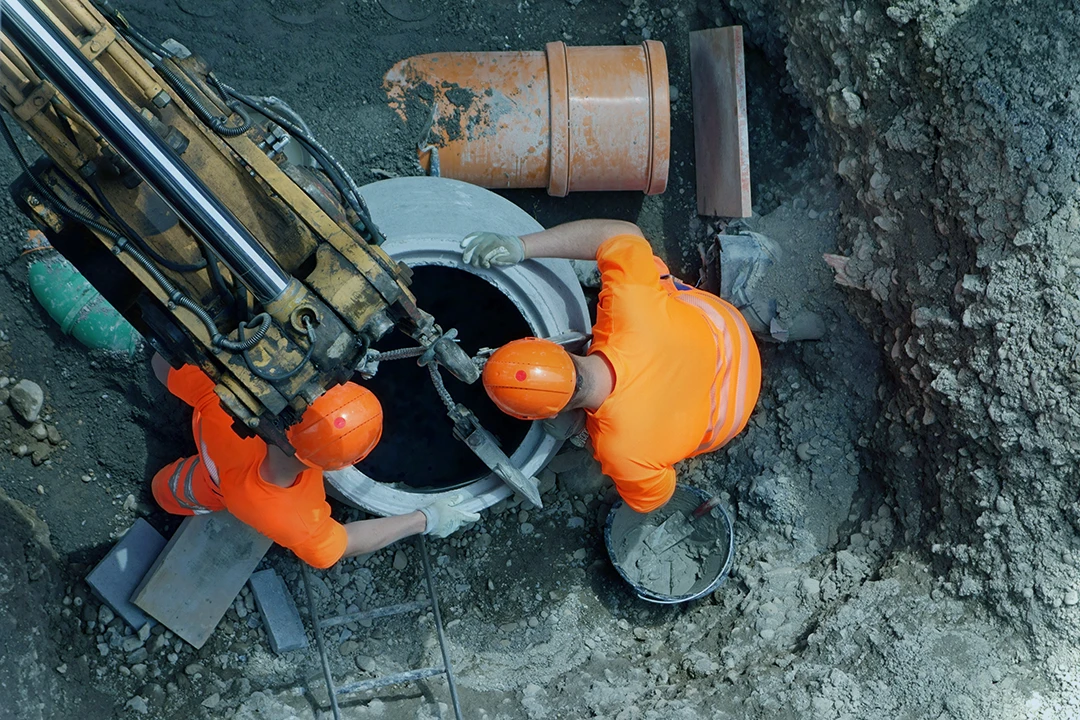
You’re upgrading plants, pump stations, lift stations, and miles of pipe while service continues. Issues hidden in one project can affect funding, schedule, and operations.
Disconnected systems
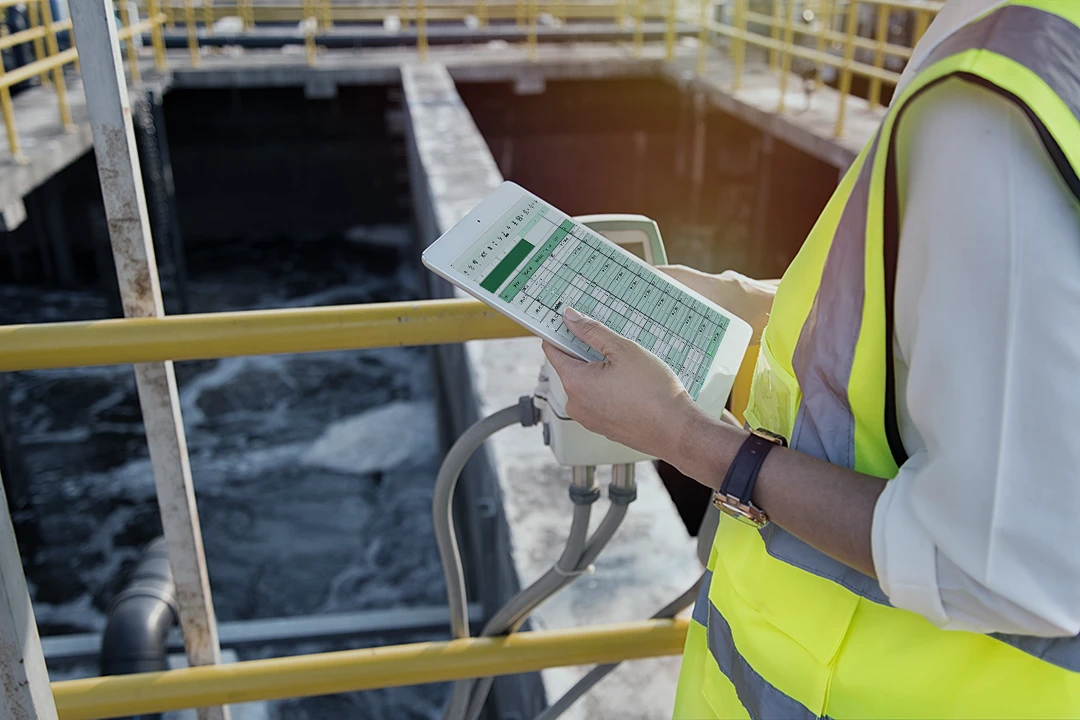
Your project data might live in ERP, GIS, EAM, WAM, spreadsheets, and contractor tools. But when systems are disconnected, reporting is manual.

Cost and funding pressure
Rates, grants, bonds, and capital budgets need a defensible record. Teams need to track budget, commitments, changes, and actuals in real time.
Tour Kahua for Water Utilities
See utility construction software workflows in Kahua.
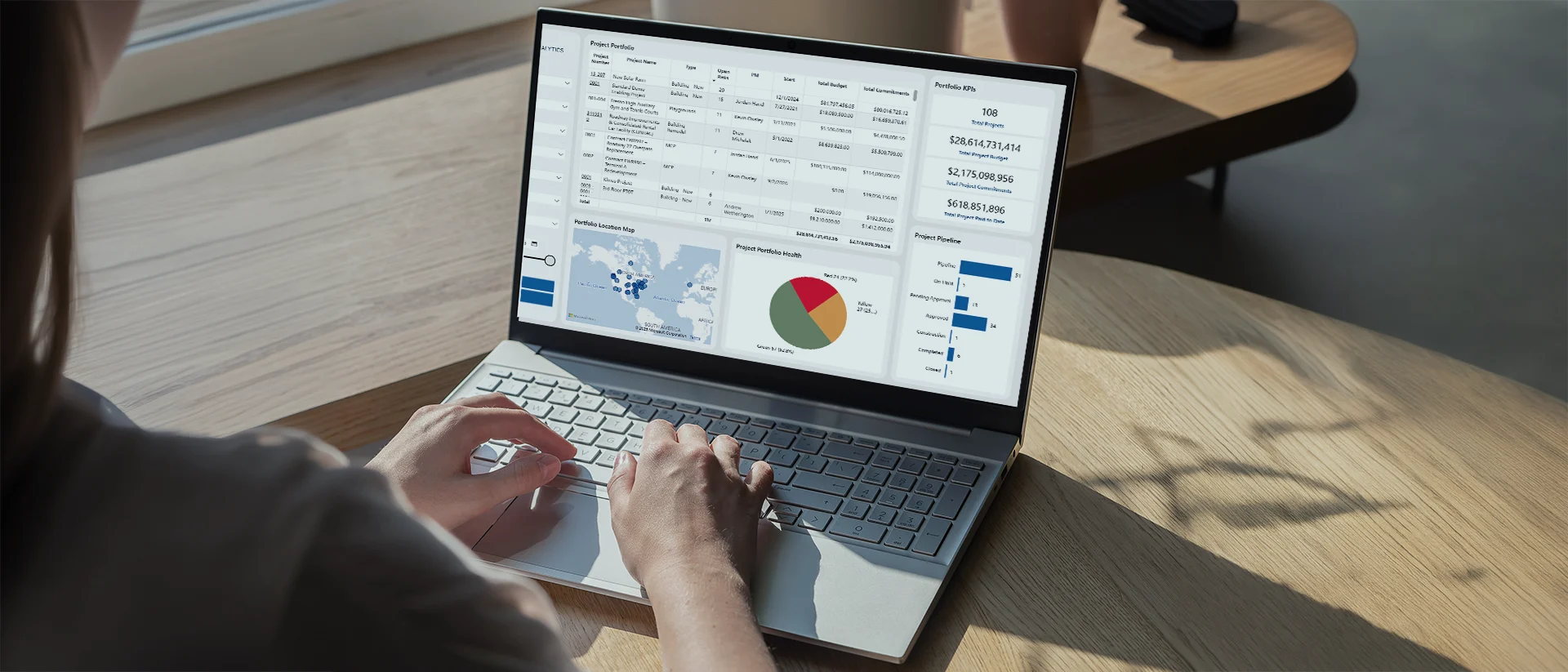
Manage programs and portfolios
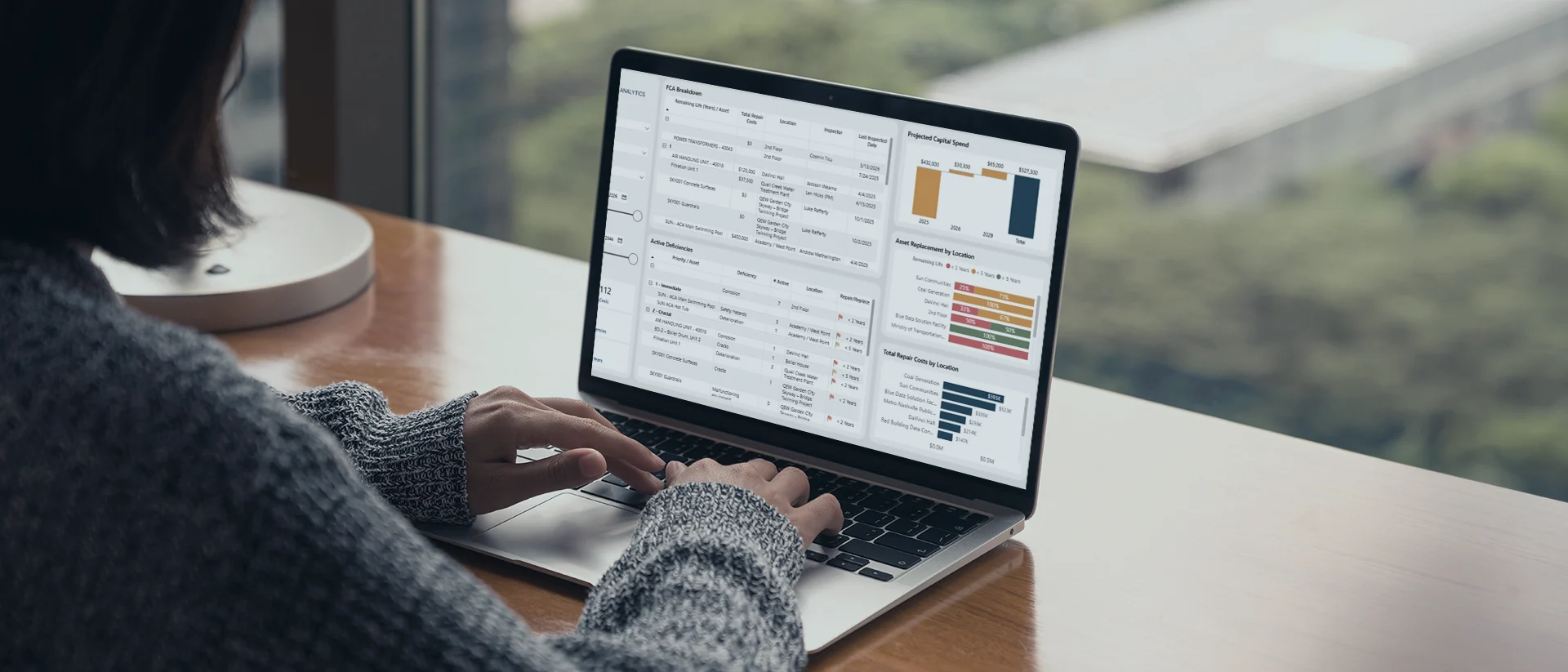
Connect field and asset data
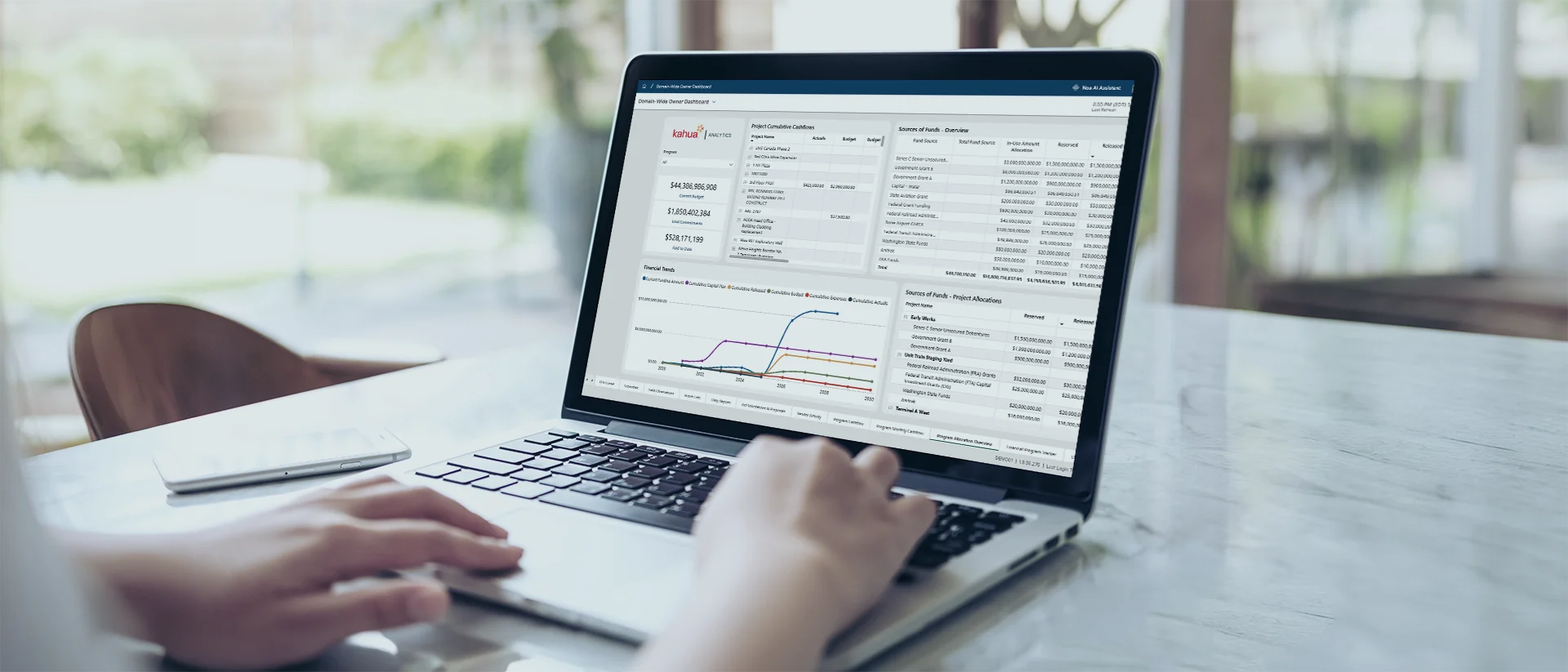
Control costs and change
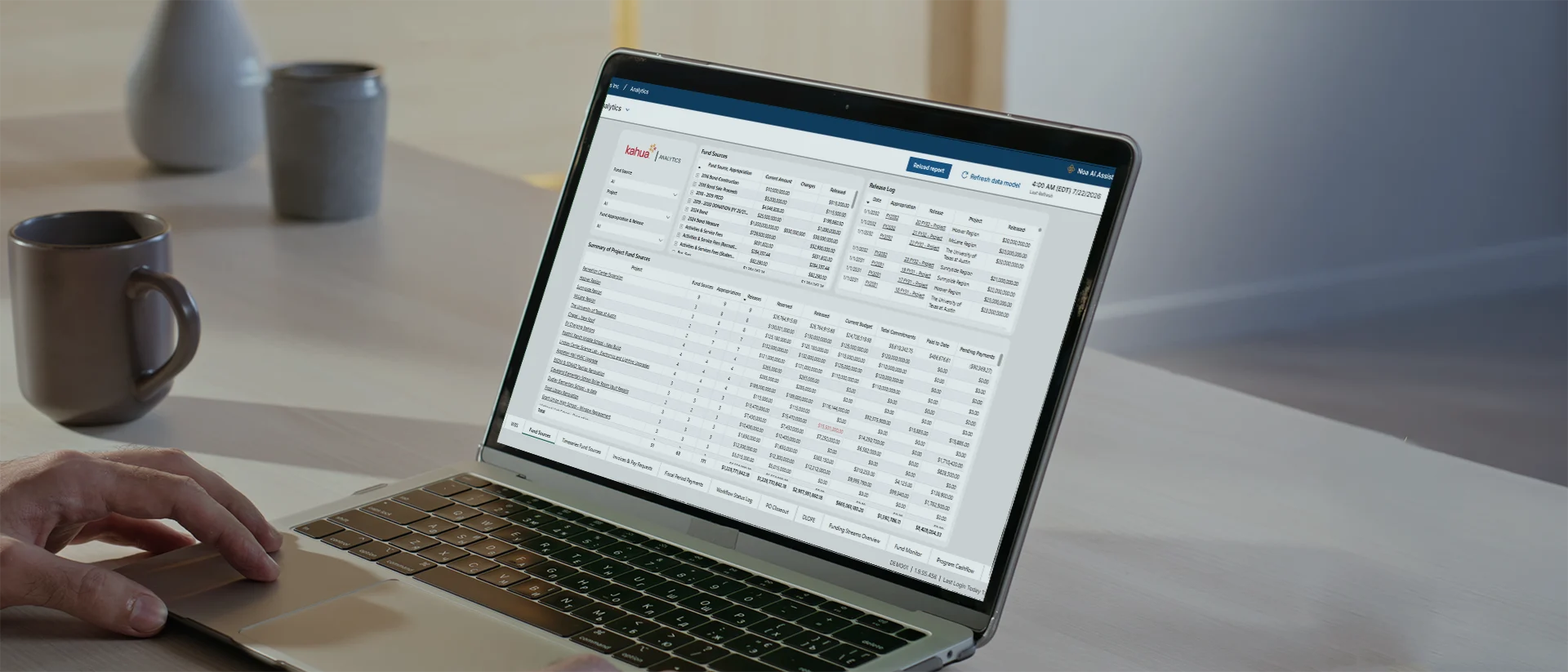
Track funding sources

Integrate core systems
Secure, construction-ready intelligence that helps you manage your builds—and beyond.
Explore Kahua AICustomer Testimonials
Kahua is trusted by water utilities.
Government- Grade Security
Protect sensitive data across teams.
FAQs
Frequently asked questions
Choosing project management software for water and wastewater construction work often raises questions about funding, reporting, system connections, and long-term asset records.
Utility construction software helps water and wastewater organizations manage capital construction work across the full project lifecycle. Many utility capital program leaders find it challenging to keep project status, financial information, approvals, documents, field updates, and asset records connected as work moves from planning through construction and handover.
The right utility construction software platform should give teams a reliable way to understand what changed, where work stands, who approved key decisions, and how each project affects the larger capital program. When teams are managing treatment plant upgrades, pipeline replacement, pump station work, sewer rehabilitation, and any other infrastructure projects that affect service delivery, a connected system is even more important.
Water utilities manage linear construction projects by keeping location-based work, field activity, cost changes, inspections, documentation, and closeout requirements tied to the project record. For program and project managers, that means understanding progress in context instead of waiting for updates to be pieced together from field reports, spreadsheets, and separate contractor tools. Pipe replacement, sewer rehabilitation, and similar work often move across neighborhoods, streets, service areas, or utility corridors, which makes it harder to see progress through a traditional project-by-project lens.
Project management software can help teams track work as it moves, document changes in context, and give program leaders a clearer picture of cost, schedule, and risk across the full route or system. It also gives general contractors a clearer way to submit updates, route documentation, and keep the owner’s project record current.
Yes. Many water and wastewater teams look for project management software that can connect with the systems they already use for finance, mapping, asset management, work management, scheduling, and document control.
Those connections matter because project data rarely lives in one place. Cost details may sit in an ERP system, asset data may live in an EAM or WAM system, and location-based project information may depend on GIS. When these systems can share information, teams can reduce duplicate entry, limit manual reconciliation, and create a more consistent record for reporting, handover, and long-term operations.
Kahua supports asset handover by helping teams collect asset data, submittals, quality documentation, nameplate details, and closeout records during construction. Operations teams can start with a cleaner record instead of chasing project information after the asset is in service.
Kahua Resources
Explore resources for water utility management.
Brochure
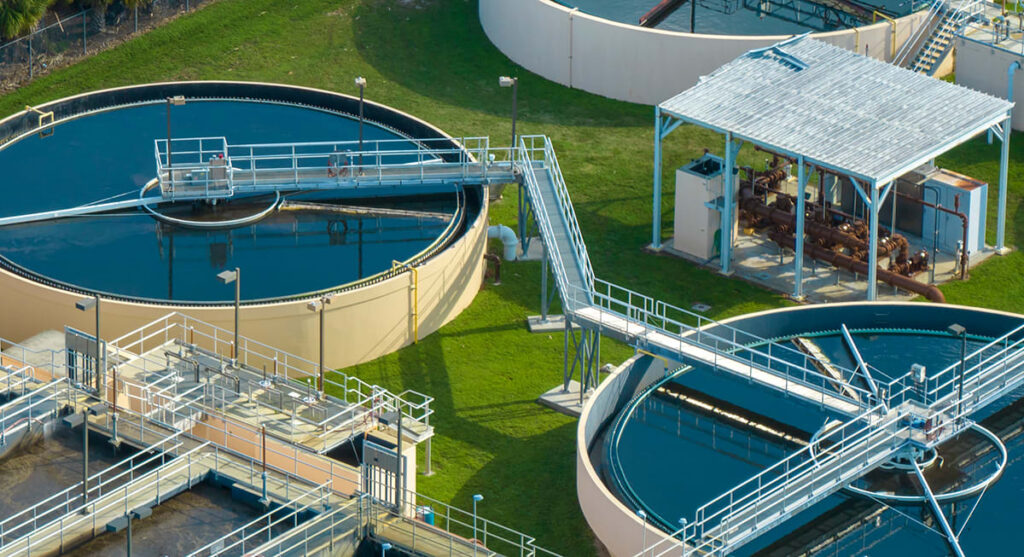
A Connected Platform to Power Water and Wastewater Projects
Customer Story
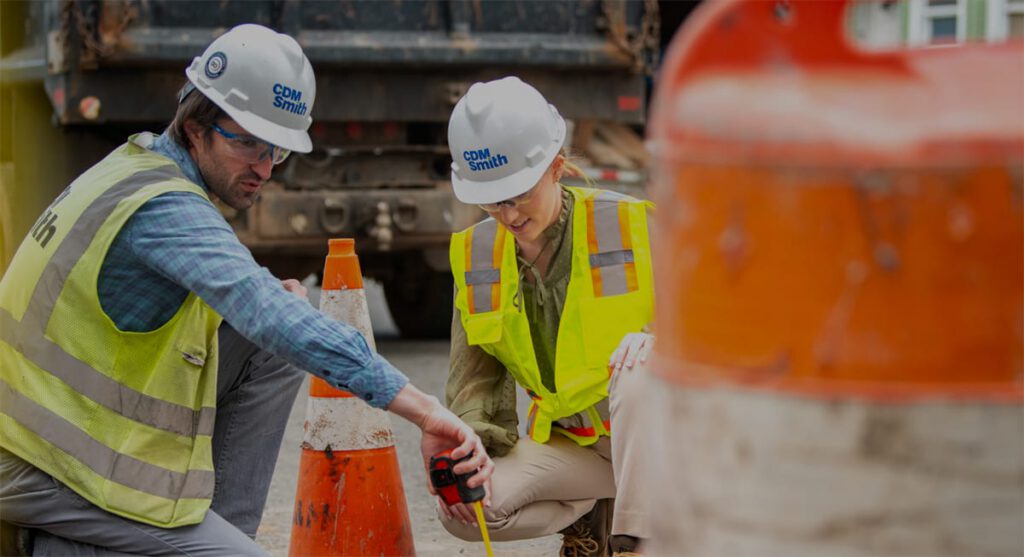
CDM Smith & Passaic Valley Water Commission Case Study
Customer Story
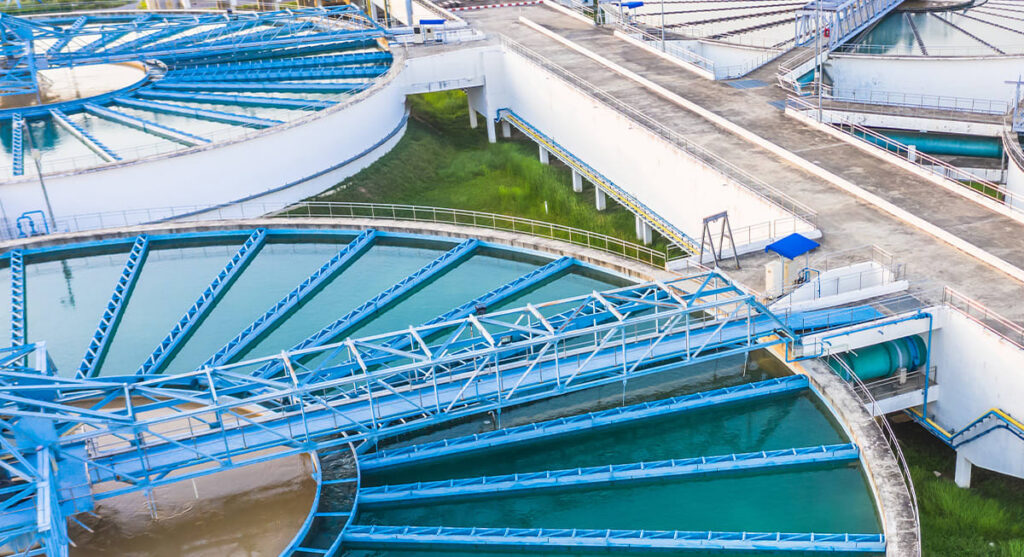
Midwest Sewer District Replaces Outdated Systems, Streamlines Workflow with Kahua
Article