Oil, Gas, and Chemicals Project Management Software
Govern asset-centric OGC programs from Pre-FEED to operations.
Kahua’s oil, gas, and chemical (OGC) project management software connects owners, EPCs, and joint-venture partners through commissioning and handover.
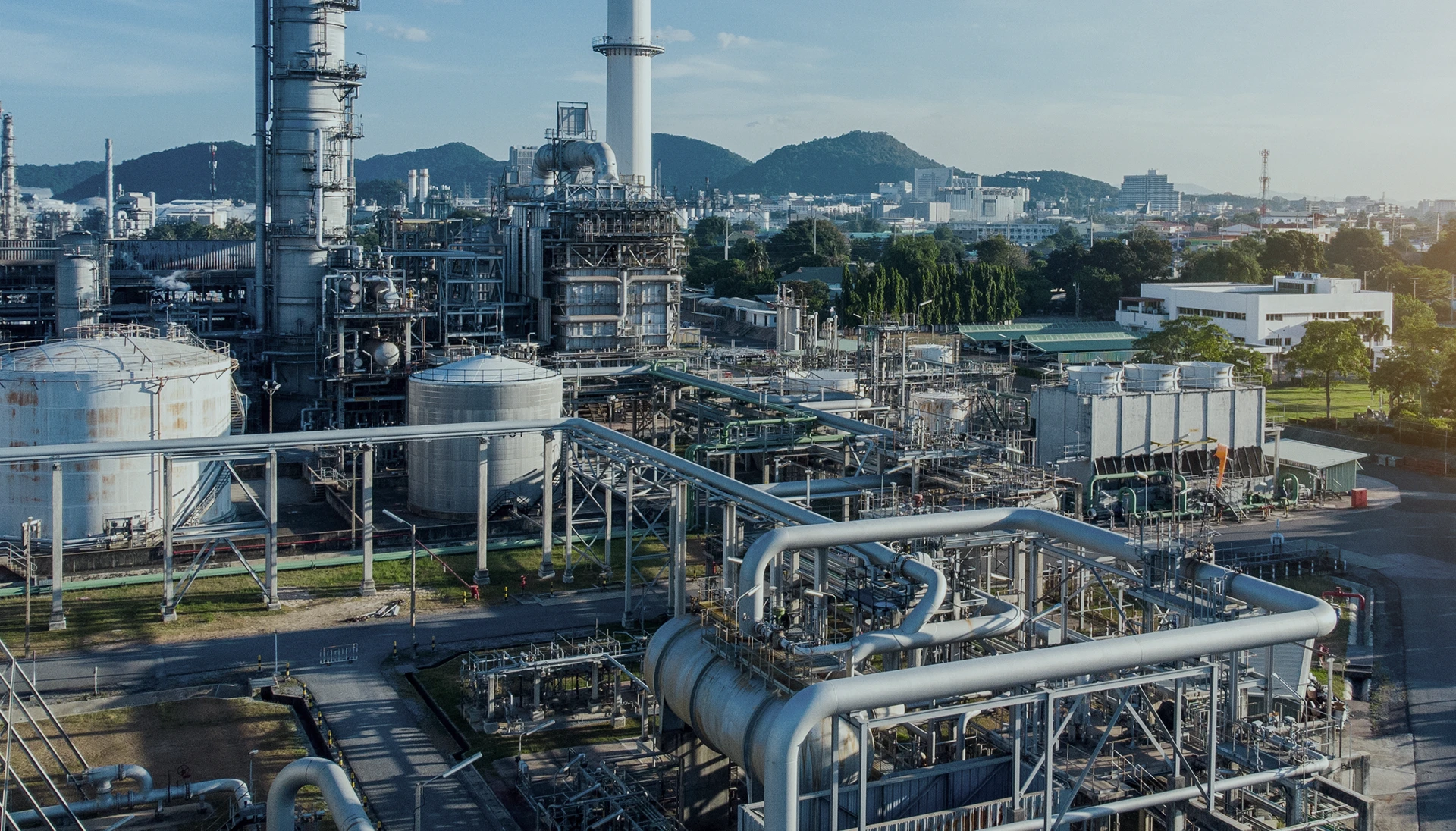



Where OGC programs get stuck
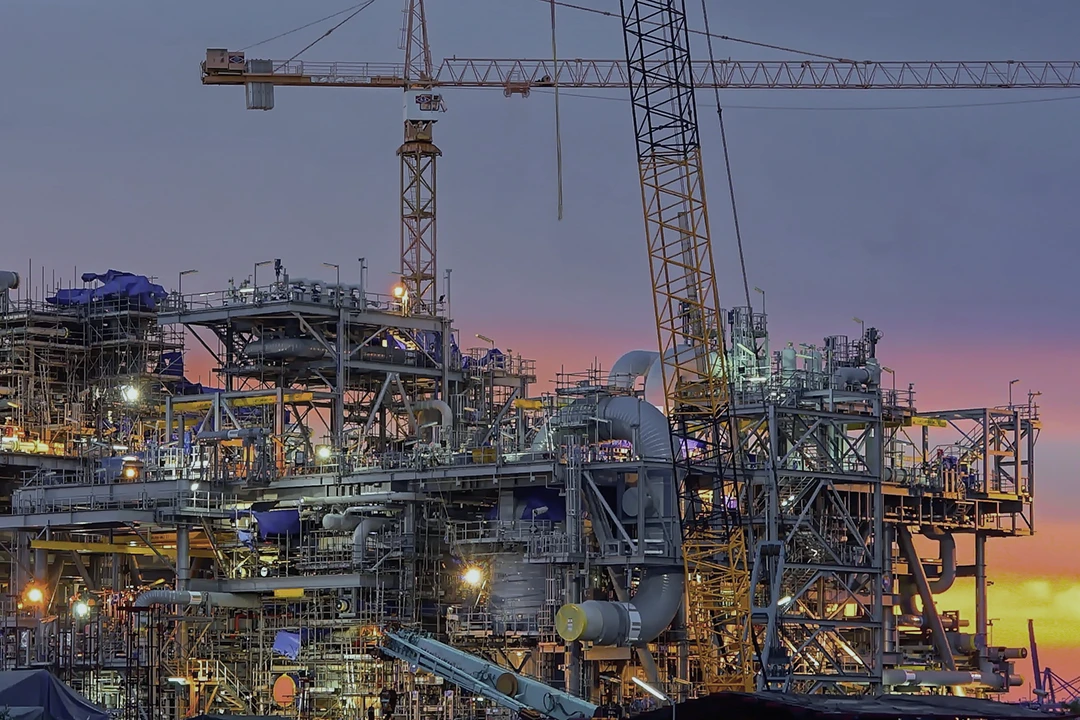
Fragmented execution across EPCs
Owners, EPCs, joint-venture partners, contractors, and suppliers all bring their own systems. Which means budgets, approvals, and other critical information can get lost between tools.

Cost volatility and turnover risk
OGC firms must withstand wild changes in price. Without efficient, nimble operations, it’s hard to respond quickly to revenue and price volatility related to geopolitical events.
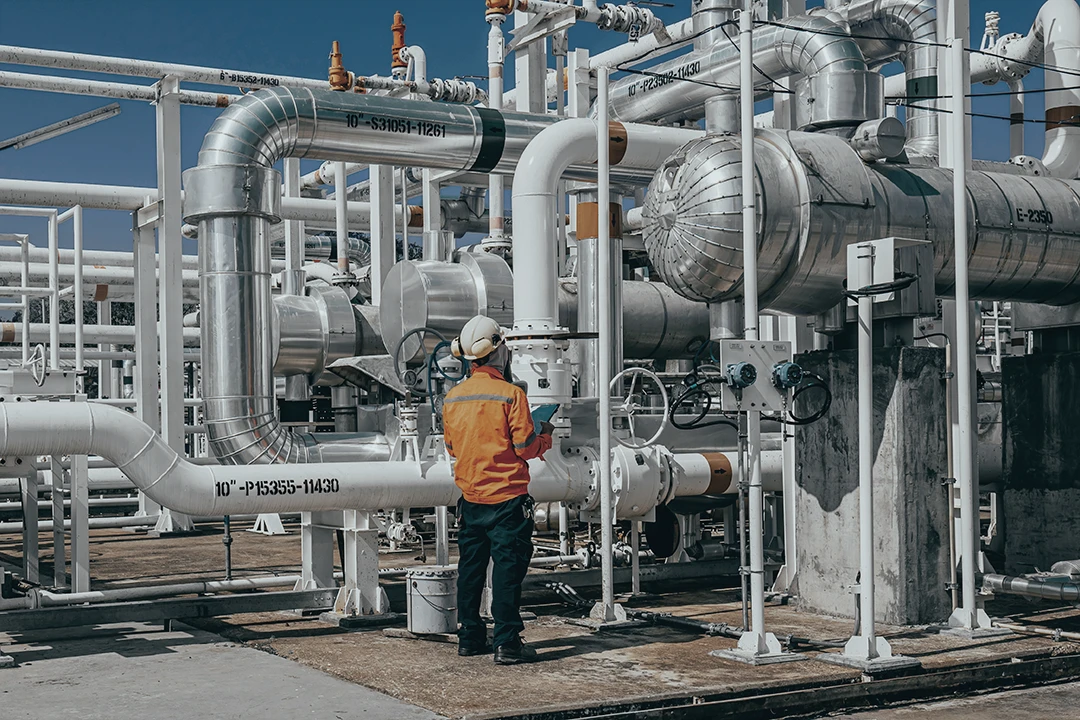
Energy transition and sustainability pressures
Net-zero emissions targets and global sustainability initiatives are driving new innovations in decarbonization and minimizing waste with carbon capture, RNG (renewable natural gas) and hydrogen.
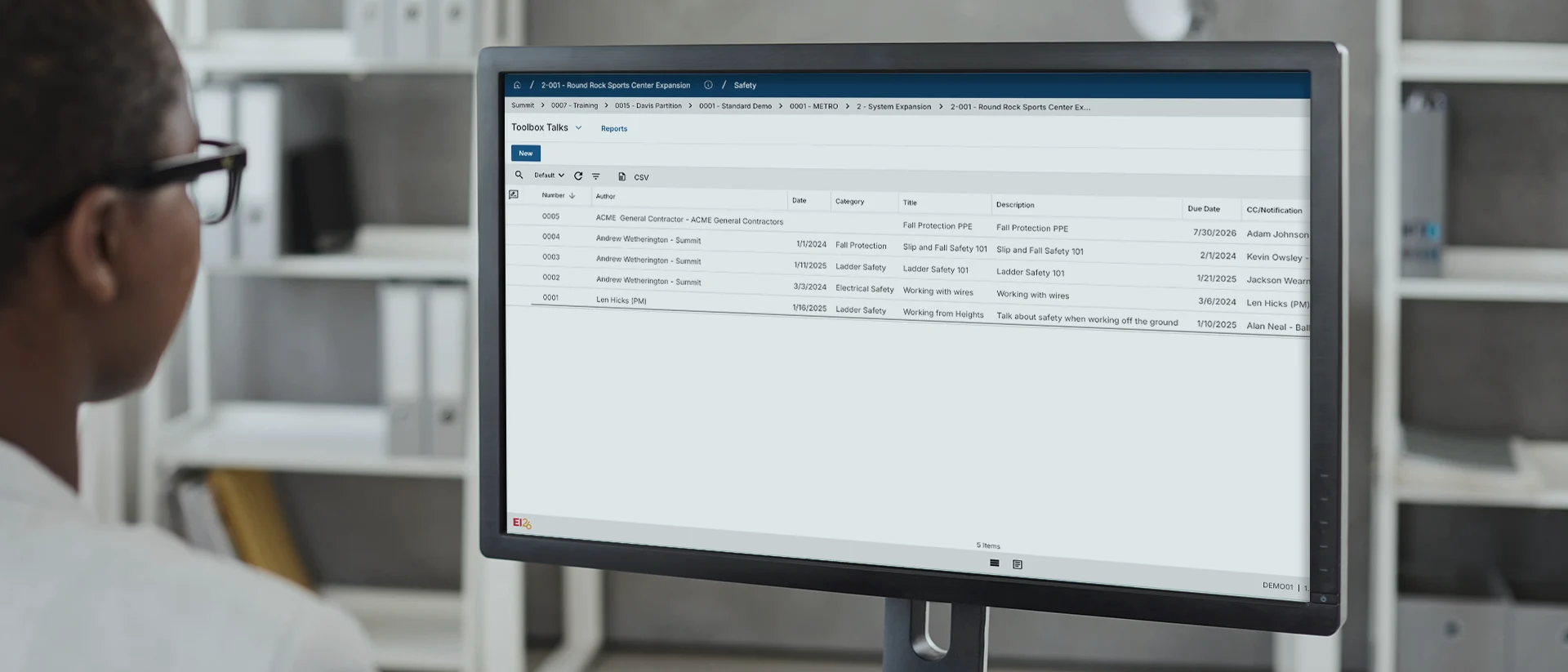
Tour Kahua for Oil, Gas, and Chemicals
See what OGC project management workflows look like inside Kahua.
Stay ahead of risks

Manage complex change
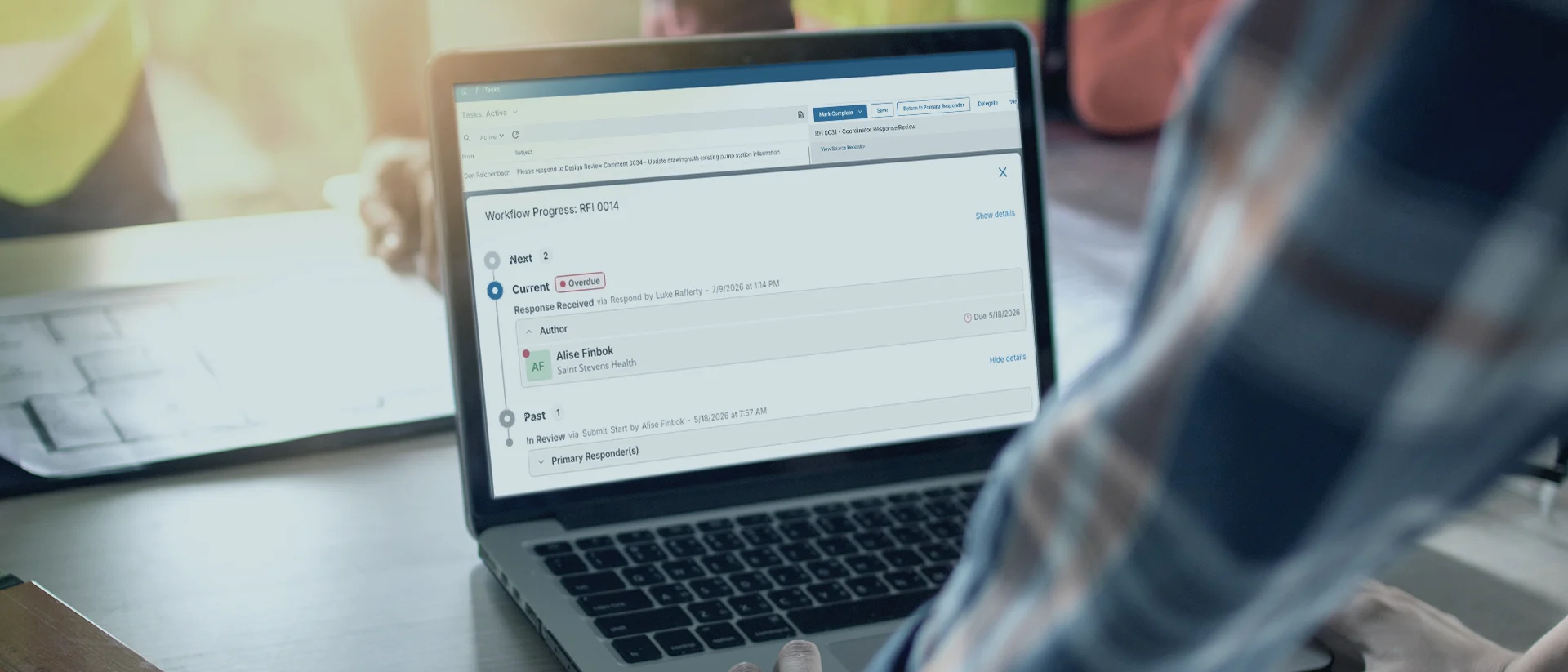
Bring field execution into view
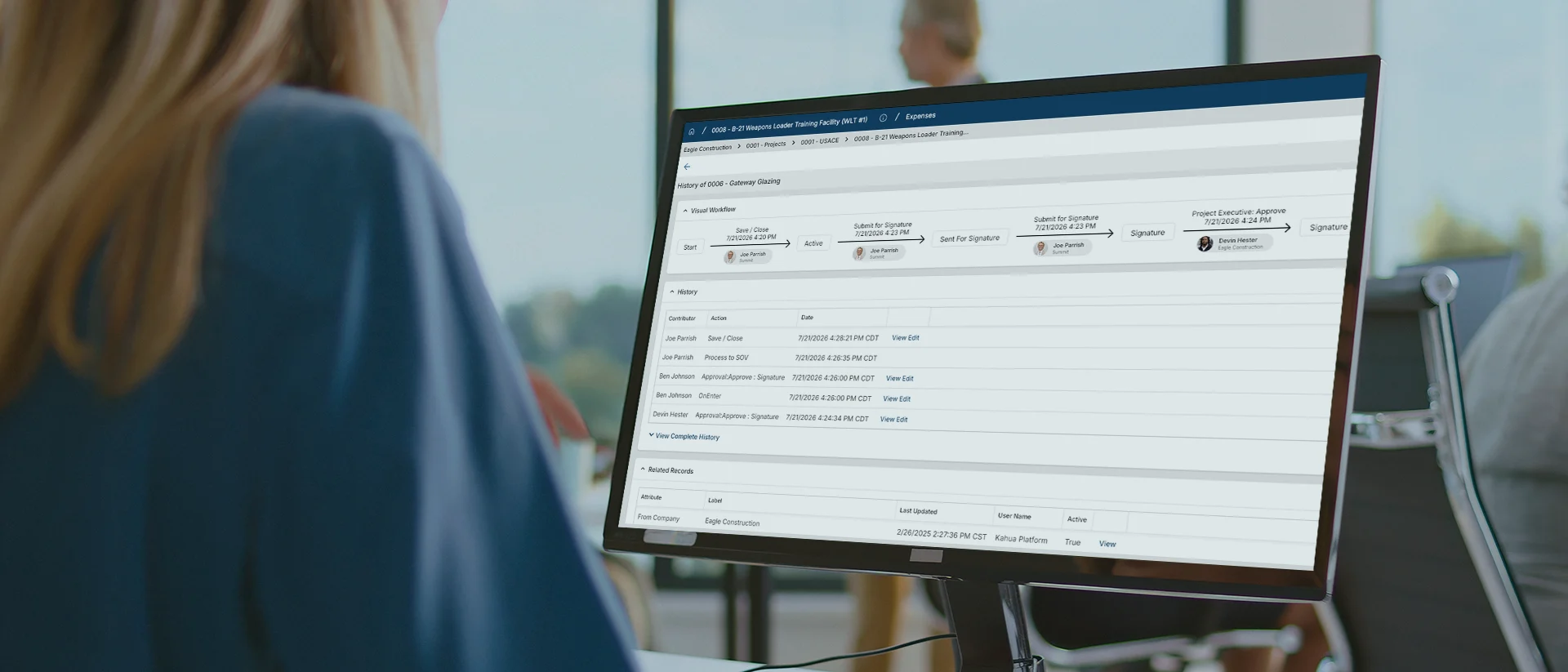
Get a 360° View of Mega-Projects
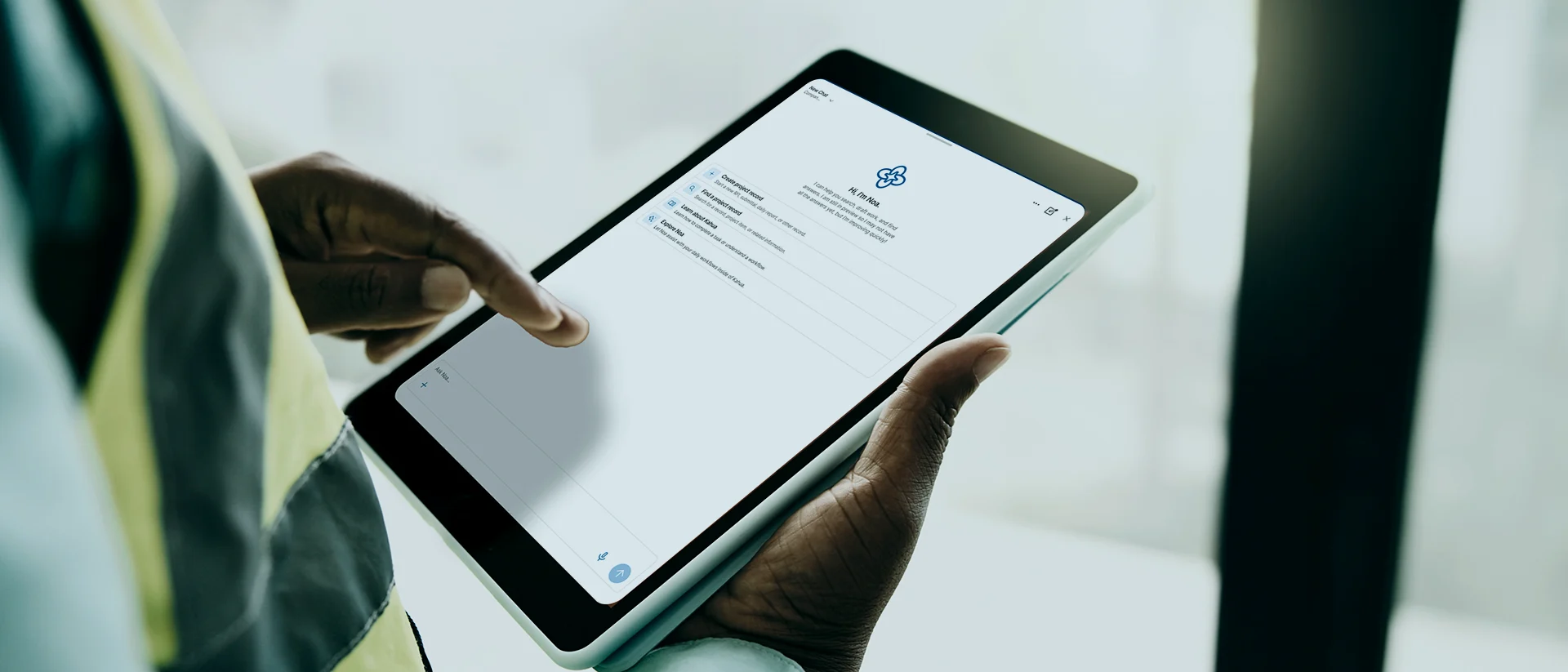
Put asset data to work with AI
Put asset data to work with secure, construction-ready intelligence that knows how you work.
Explore Kahua AIWho Uses Kahua?
Owners and EPCs in asset-intensive OGC

Upstream assets
Align design and supply chain to hid production targets.
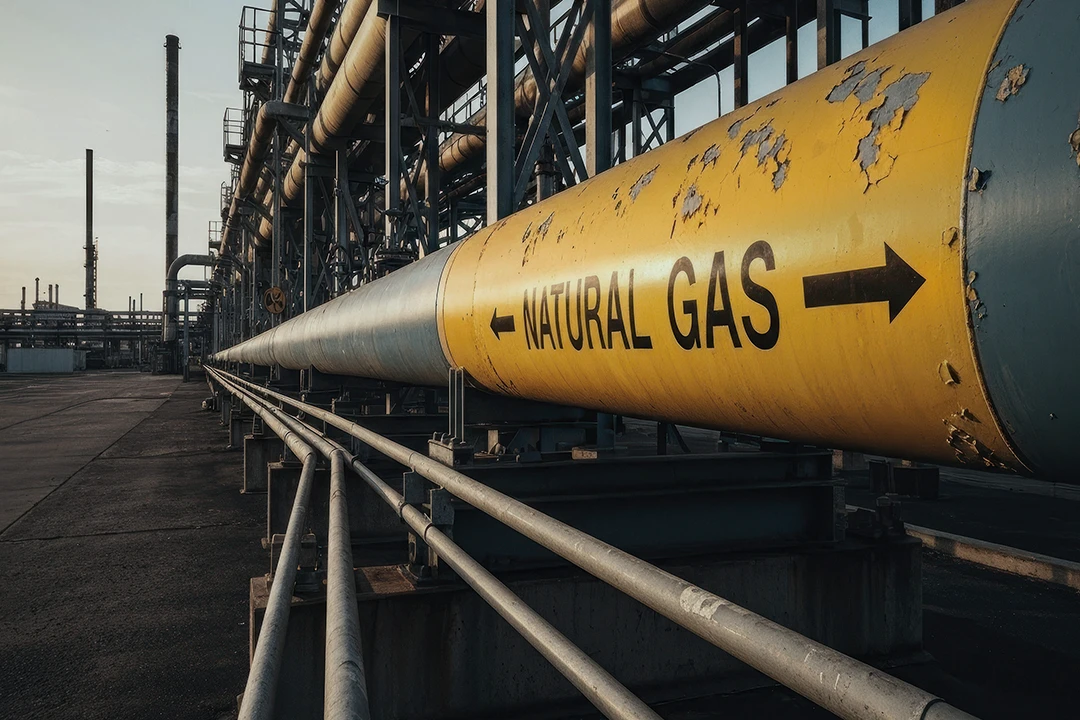
Midstream assets
Coordinate inspections, compliance, and multi-party work.
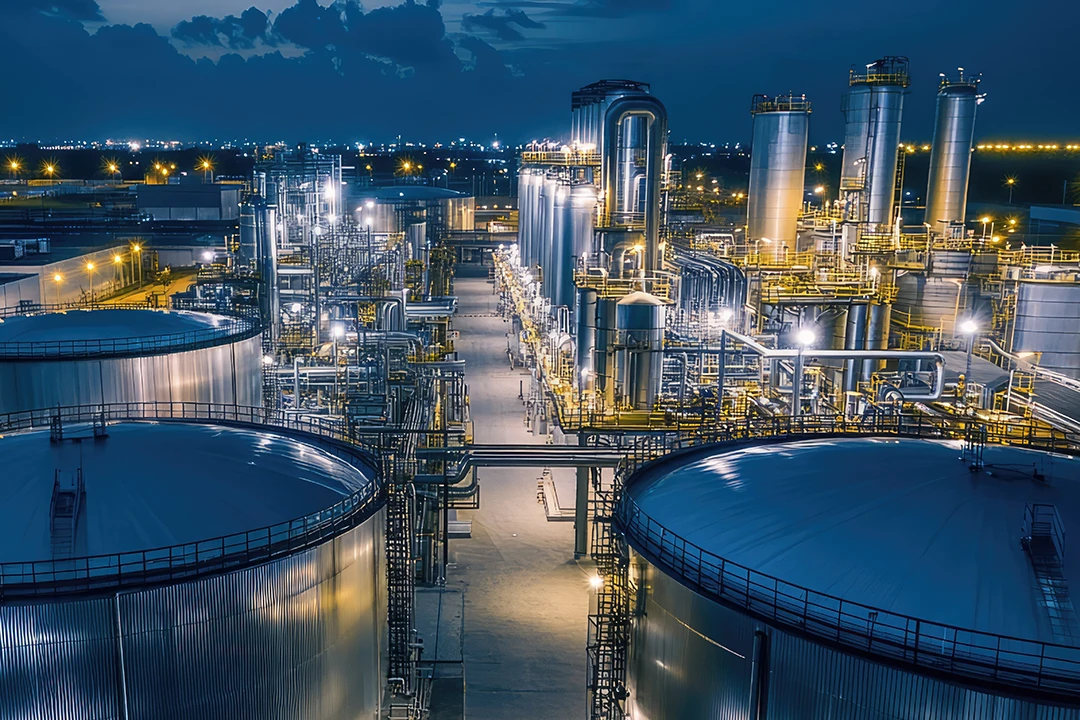
Downstream assets
Manage cost, documentation, and operational readiness.
Customer Testimonials
We’re no stranger to complex portfolio management.
Enterprise-Grade Security
Protect sensitive data across teams.
FAQs
Frequently asked questions
Learn how asset-centric project management software helps owners, EPCs, and JVs govern cost, risk, documentation, compliance, AI readiness, and asset turnover.
Oil, gas, and chemicals project management software helps owners manage the capital work behind upstream facilities, pipelines, LNG terminals, refinery units, petrochemical plants, chemical production units, carbon capture projects, and shutdown turnarounds.
For capital program leaders, the right platform should connect cost, schedule, procurement, documents, approvals, contractor work, field updates, and asset data in one place. That gives teams a clearer way to see what changed, where risk is building, and whether each asset is ready for commissioning, startup, and operations.
Asset Centric Project Management® (ACPM) connects project work to the physical assets being designed, built, commissioned, and turned over. For oil, gas, and chemicals teams, that means asset data is not collected at the end of a refinery, LNG, pipeline, offshore, or chemical plant project. It is captured as work happens.
ACPM helps owners and project teams keep equipment details, documents, inspections, commissioning notes, and turnover requirements tied to the asset record. Instead of chasing information after startup, operations teams begin with clearer context for maintenance, reliability, and long-term asset performance.
Oil, gas, and chemicals owners manage EPC and contractor data by setting a consistent project record that external partners can work in without giving up owner governance.
EPCs, contractors, suppliers, joint venture partners, and internal teams may still use specialized tools, but key cost, document, workflow, and approval data remains in one governed environment, which aids consistent commissioning, startup, and handover to operations.
In this way, program and project managers can reduce manual reconciliation, trace decisions, and give leadership a clearer view of execution across regions, asset types, and partners.
How does Kahua support complex, asset-intensive capital projects?
Kahua supports greenfield and brownfield capital projects by helping owners, EPCs, and JVs connect cost, controls, documentation, approvals, field activity, commissioning records, and turnover data across the full project ecosystem.
Connected execution is especially important when projects involve global sourcing, regulatory complexity, multi-party delivery, strict documentation requirements, and supply chain volatility. It also creates a stronger data foundation for AI, analytics, and long-term asset readiness.
Yes. Kahua can support upstream, midstream, downstream, and chemicals work, including well pads, gathering systems, compressor stations, pipelines, storage terminals, LNG facilities, refinery expansions, steam crackers, distillation towers, specialty chemical units, and circular economy projects.
Each project type has different risks, documents, workflows, and handover needs. Kahua helps owners keep the record connected while giving teams the flexibility to manage different asset types, partners, and project phases.
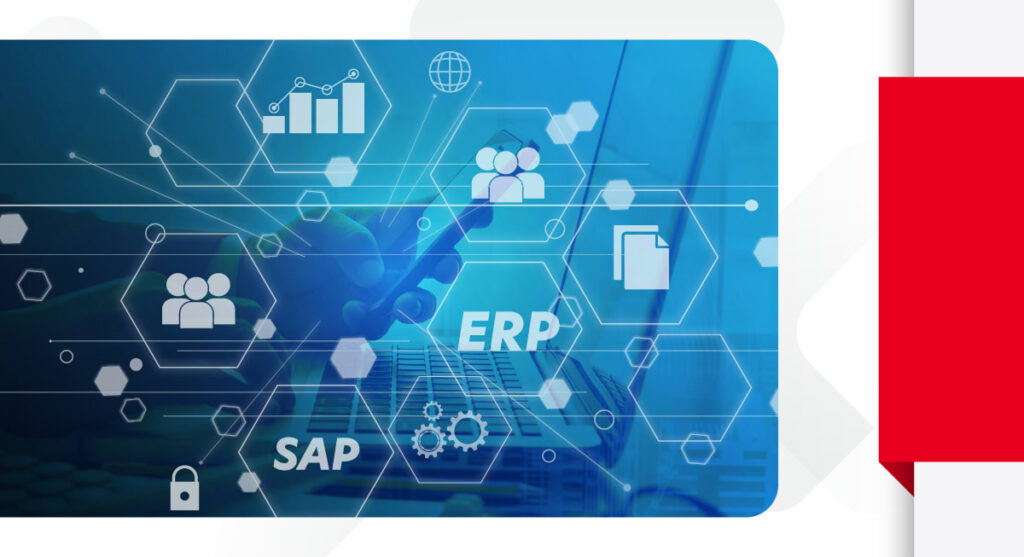
Yes, project data in Kahua integrates with ERP, scheduling, document management, procurement, engineering, business intelligence, asset management, and other enterprise systems.
Those connections matter when cost details sit in SAP or Oracle, schedules live in Primavera P6, GIS data lives in ESRI, asset records sit in Maximo, and contractors manage updates in their own tools. Connected data helps finance, compliance, IT, and security teams reduce duplicate entry, limit manual reconciliation, and maintain a clearer audit trail.
Kahua Resources