Construction Management Software for Subcontractors
Take control of every job from bid to billing.
Turn field progress into faster decisions, cleaner billing, and stronger margins. Keep crews, project teams, and finance connected from mobilization to final payment.


Improve your profit margins.
Surface current costs and pending changes while work is active. Track every dollar on the project, and improve project forecasts and make better decisions.
Keep field work connected.
Capture installed work and labor as the day unfolds. Office teams can update progress, costs, and billing from the same current record.
Support fast, accurate billing.
Track completed work, change documentation, and report costs so your finance team can submit timely bills. Report costs quickly and integrate with your accounting system.
Keep field and office in sync.
Put powerful field tools in your teams hands. Always work off the latest drawings and specs. Submit dailies, RFIs, and change requests right from your phone
Kahua for Subcontractors
See how specialty contractors manage every job inside Kahua.
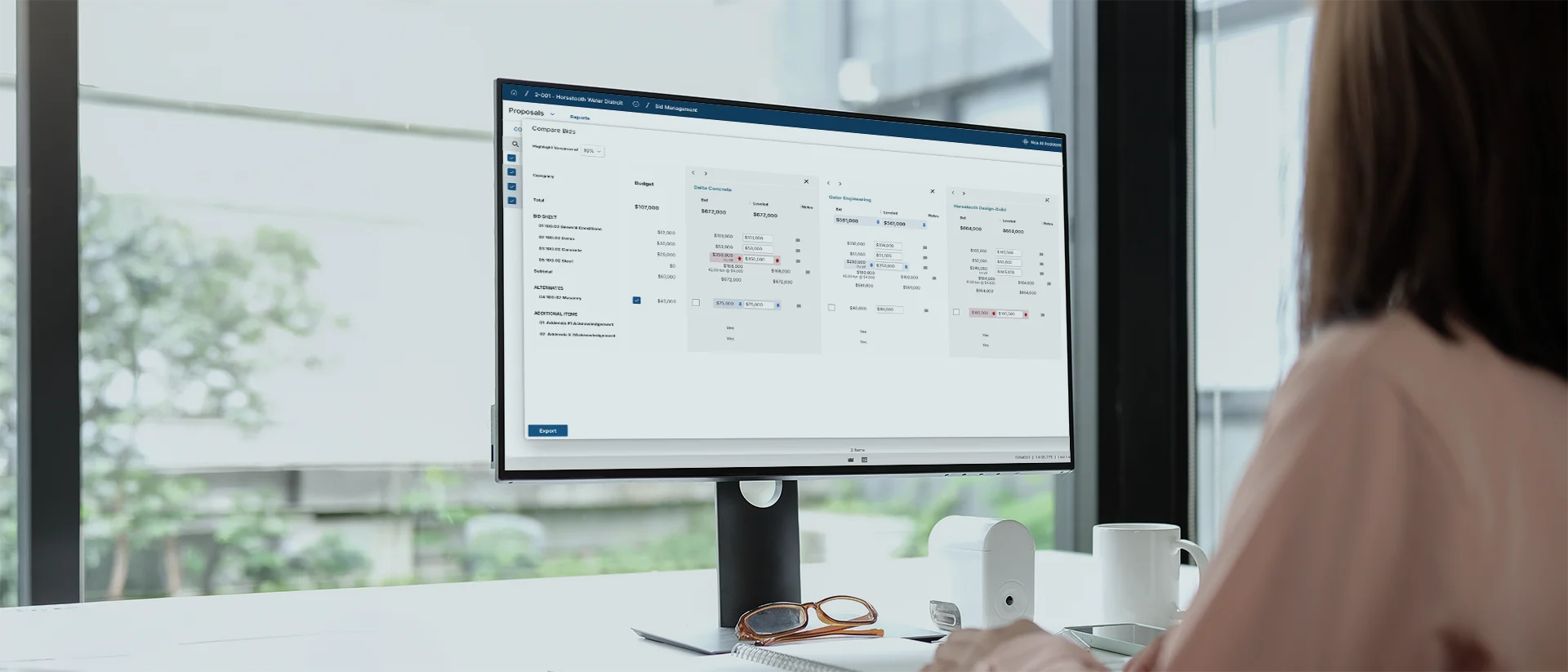
Kahua for Subcontractors
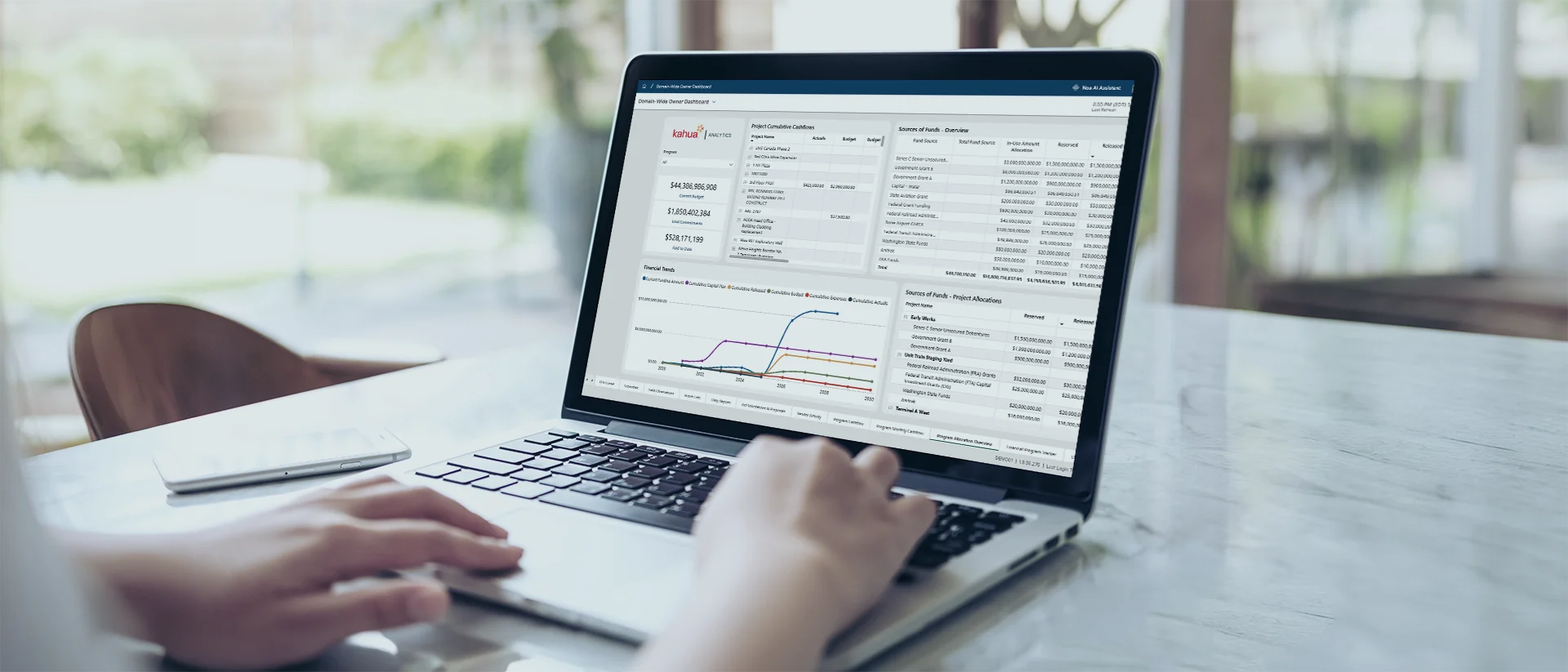
Forecast your project costs
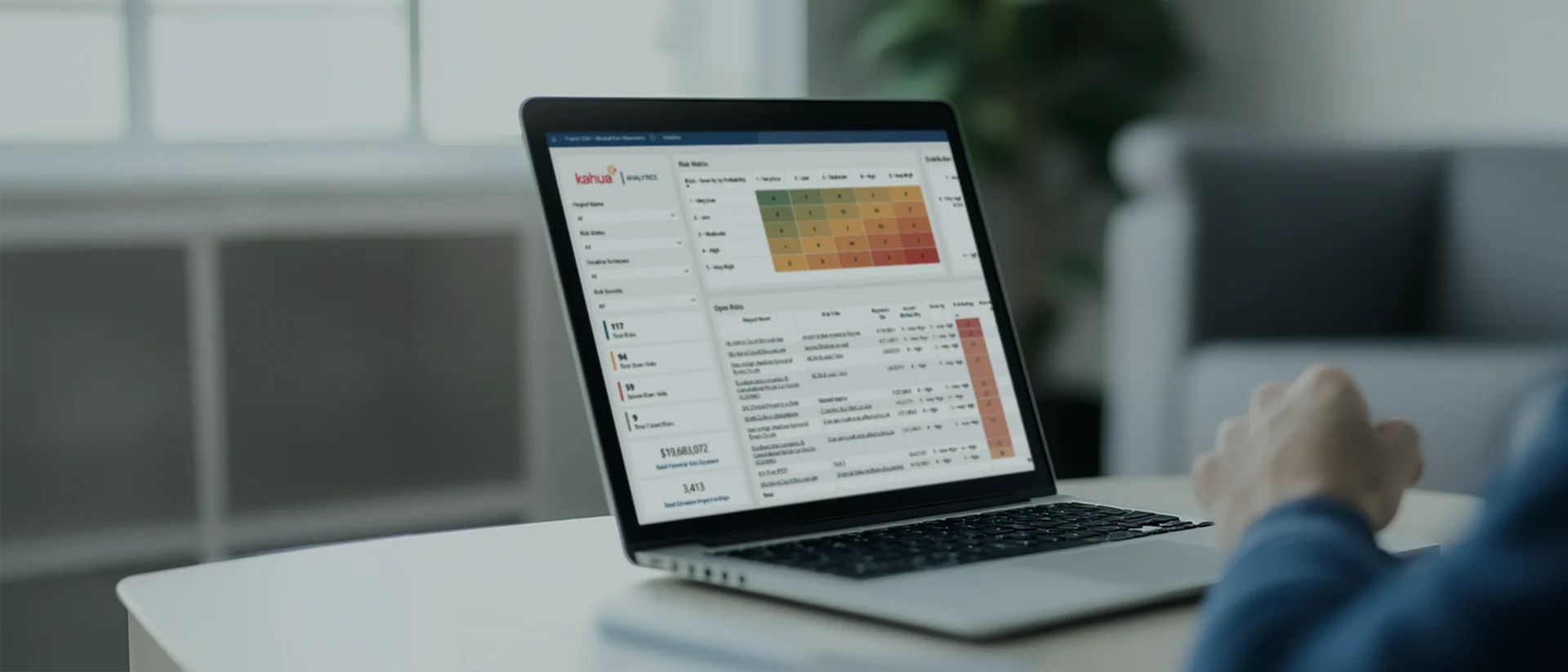
Job performance at a glance
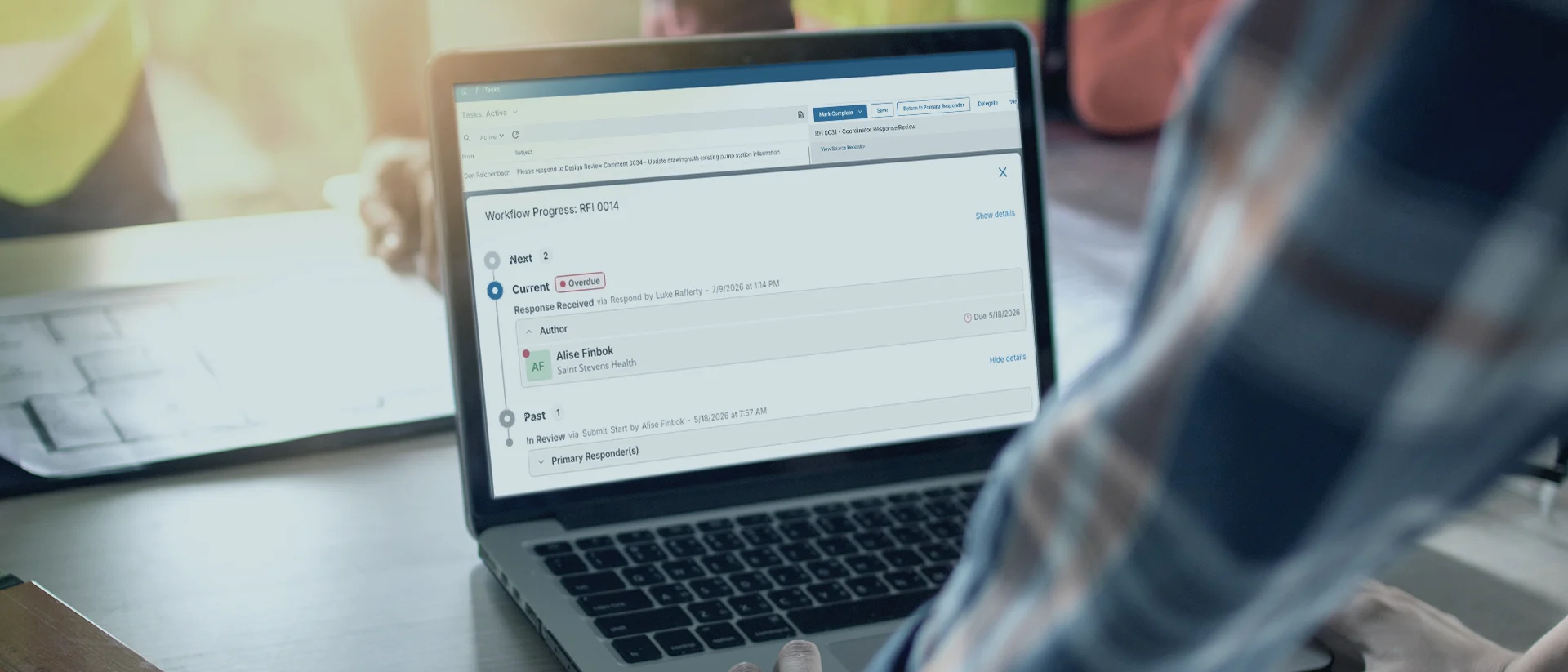
DocuSign built-in

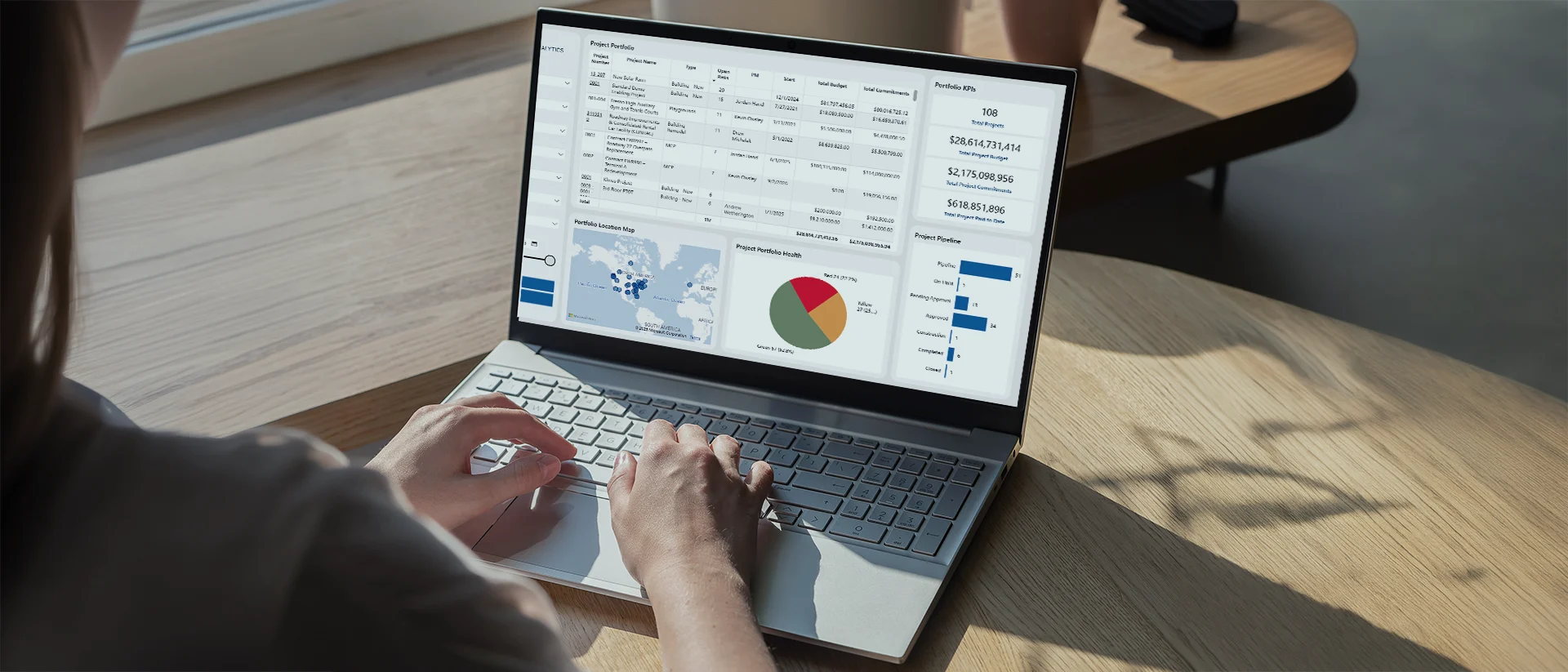
Turn data into answers
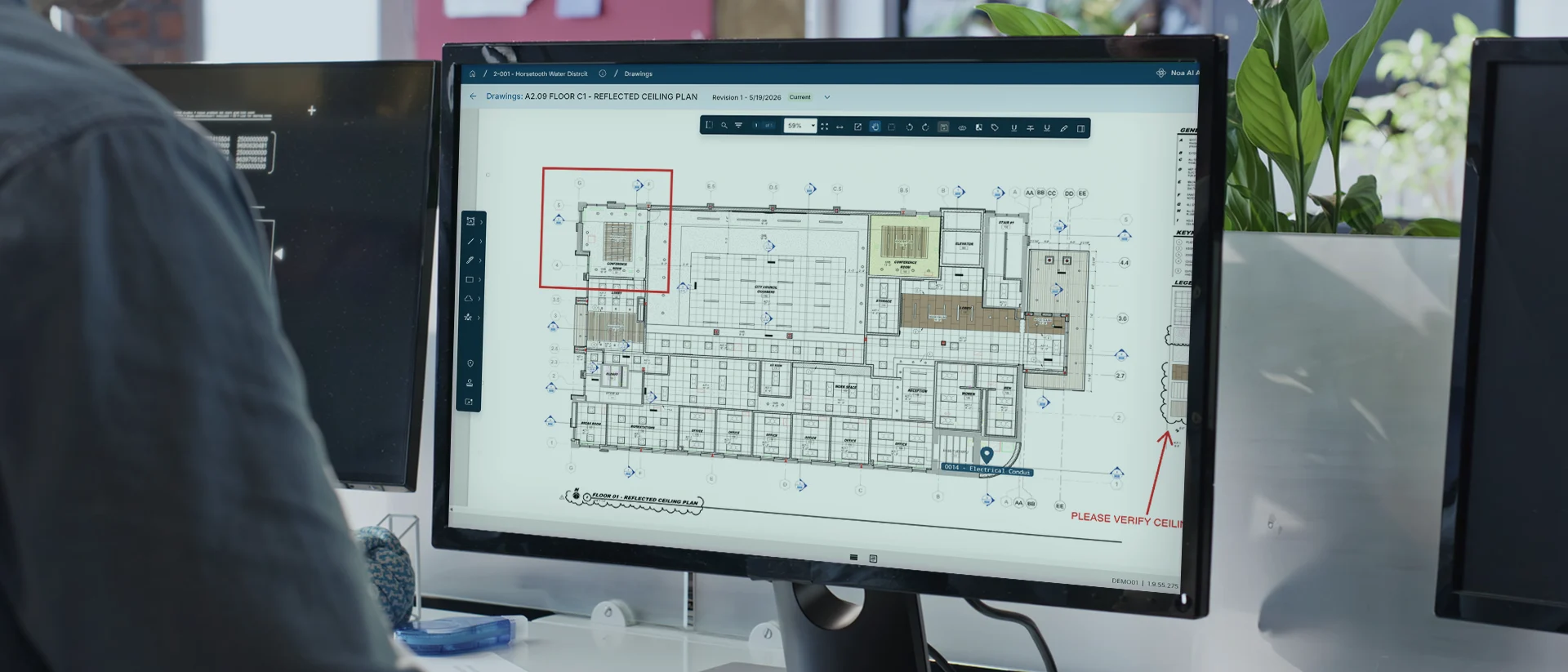
Build from the latest drawings set
Organize and act on field updates
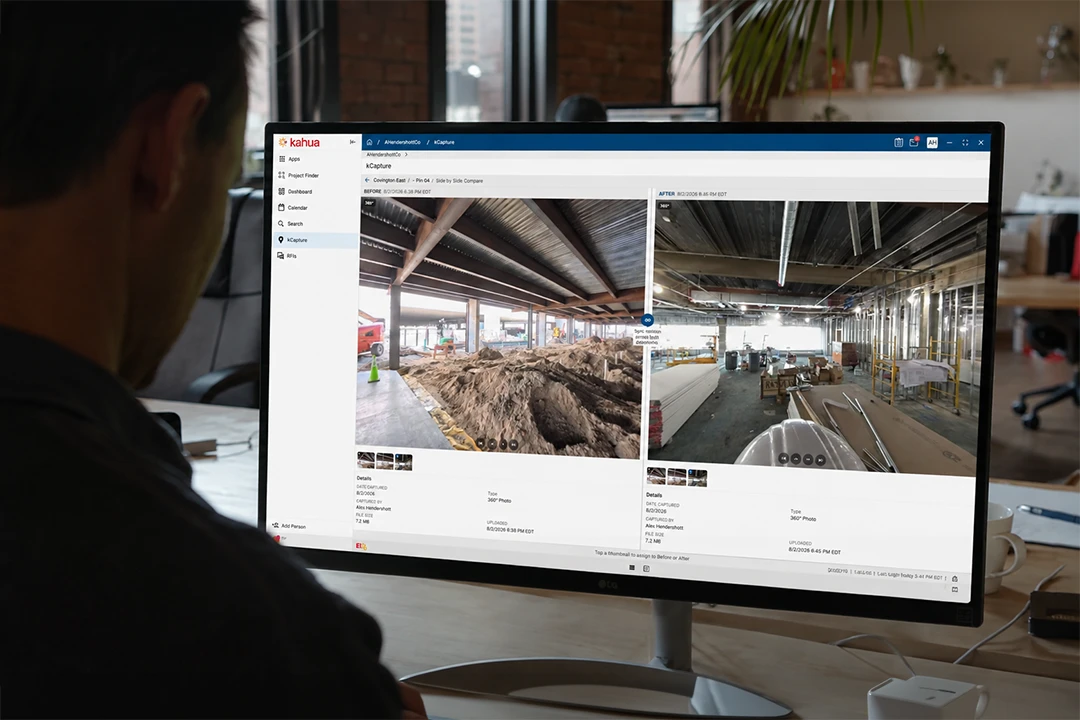
Reality capture
Put construction-ready AI to work across every project.
Explore Kahua AIIntegrations
Keep your systems fully connected.









Customer Testimonial
Walters makes month-end data gathering 8x faster.
Enterprise-Grade Security
Protect sensitive internal and external data across projects.
FAQs
Frequently asked questions
Specialty contractors need software that works across different GCs without losing control of cost, change, billing, or project records. See how Kahua keeps the business view connected.
Construction management software for subcontractors connects the financial, project, and field records that specialty contractors need to manage work across multiple jobs.
Kahua helps teams keep job costs, changes, documentation, billing support, and reporting in one internal system. That gives the business a consistent record even when each customer requires a different portal or process.
Specialty contractors can use the system a GC requires while maintaining their own internal record in Kahua. Company workflows, job history, costs, RFIs, submittals, changes, and reporting stay organized around the contractor’s business instead of being scattered across customer portals.
Although GCs often require their own software, specialty contractors need a system of record built for their business. Kahua keeps work, history, and visibility connected across every job.
Kahua provides project and finance teams the tools to track job costs as work progresses. As commitments and changes affect the budget, teams can update forecasts, prepare accurate billing, and act on exposure before it turns into a month-end surprise.
Yes. Kahua can connect project workflows and cost data with accounting, scheduling, and other enterprise systems via API.
Kahua’s kConnect architecture helps shape integrations around your systems and processes, so project and financial data move where your teams need it.
Subcontractors can reduce billing gaps by tracking completed work as it happens and documenting each change with the cost details and backup needed for billing in a timely manner.
Kahua gives project and finance teams what they need to prepare complete pay applications and quickly address issues that might delay payment.
Kahua provides a FedRAMP-authorized environment for project work involving CUI. For subcontractors subject to DFARS, the platform supports safeguards for covered defense information, while CMMC-aligned access controls, audit trails, and governed workflows support the broader compliance program.
No software alone guarantees CMMC certification. Contractors must also address organizational policies, training, processes, and assessment requirements.
Kahua Resources
Explore more resources for specialty contractors.

Who Uses Kahua?