Make Connections

What can you integrate?

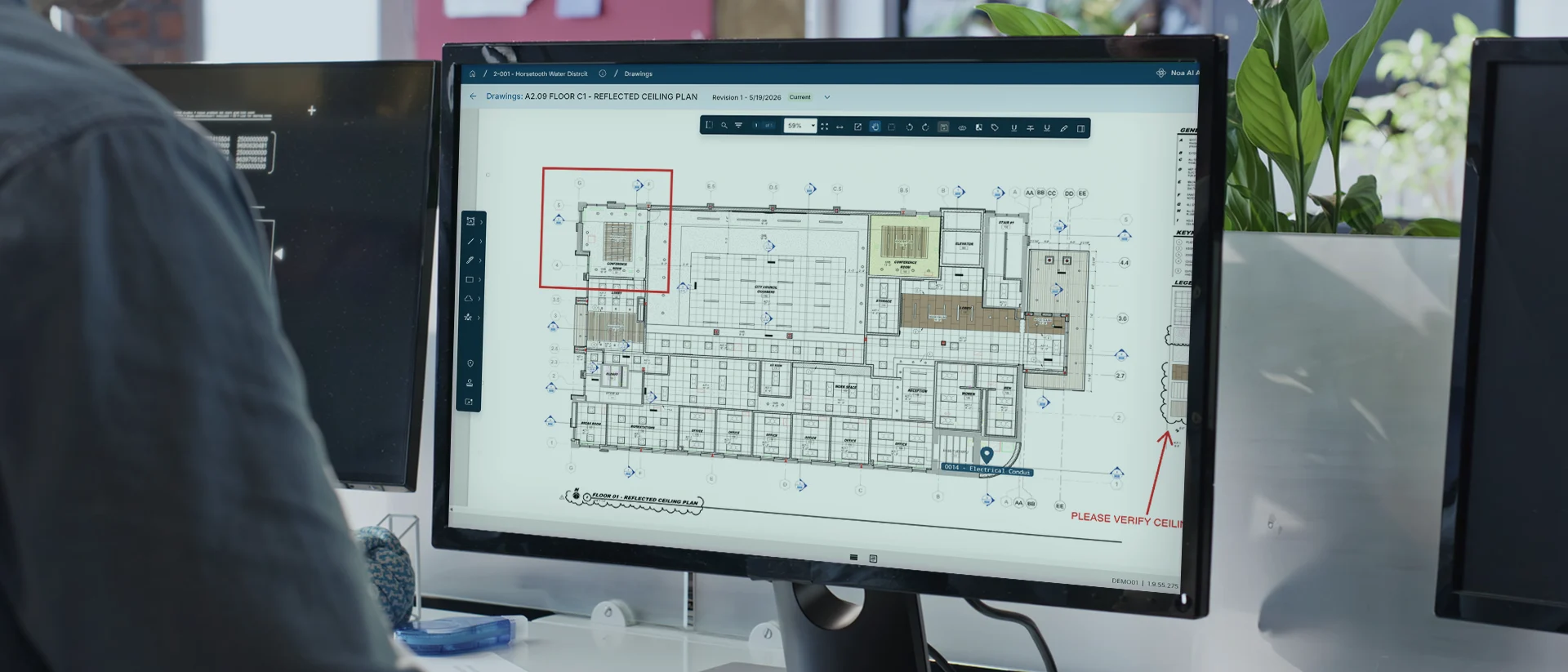
A computer monitor displays a detailed architectural floor plan with various annotations and symbols. The plan has a red highlighted section and a note that says “PLEASE VERIFY LOCATION.” Plants and office items are nearby.

BIM

Connect BIM models, drawings, and project data to keep design, construction, and owner teams aligned. Track changes, improve coordination, and maintain a clear connection between project decisions and asset information.

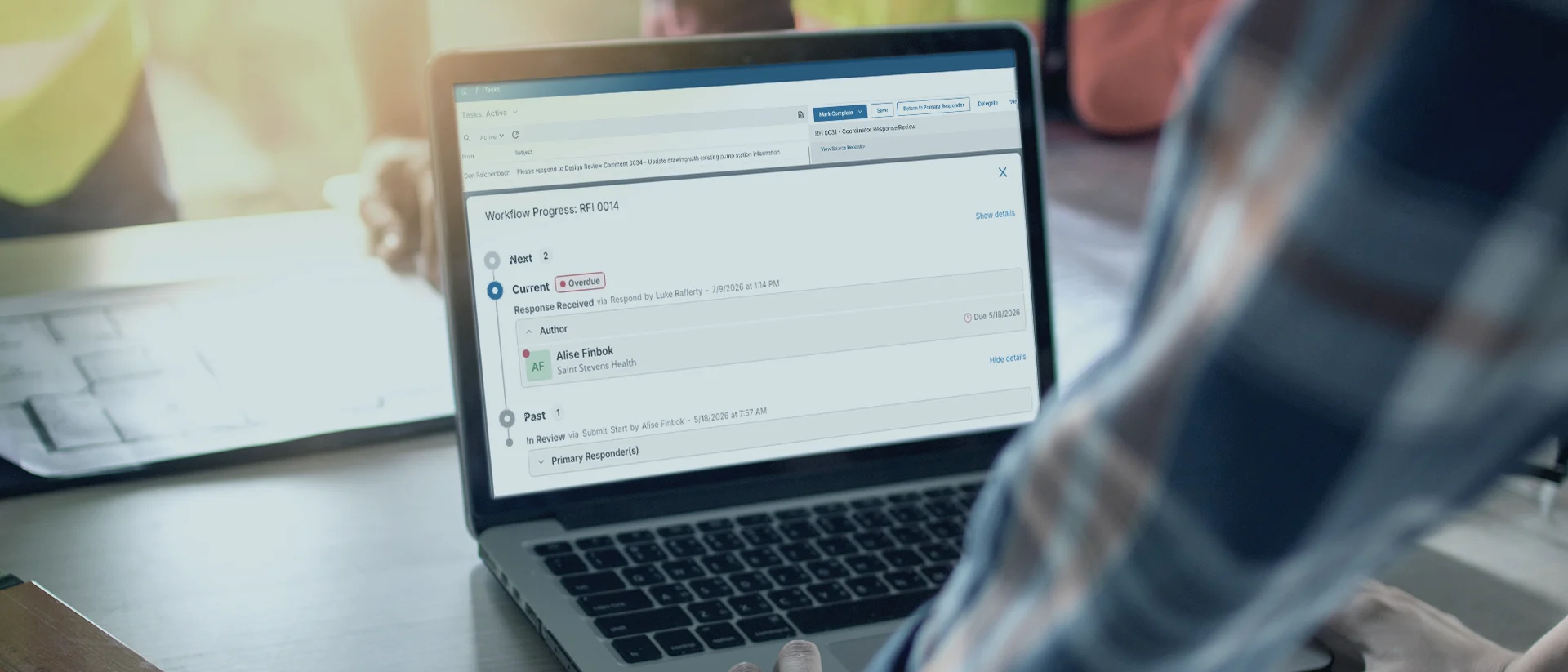
A person using a laptop displaying a workflow progress screen with task details and status updates, while seated at a table with others in a brightly lit room.

Document Management

Connect document management systems with project workflows to keep records organized, accessible, and current. Reduce version confusion, streamline reviews and approvals, and maintain a complete project history.

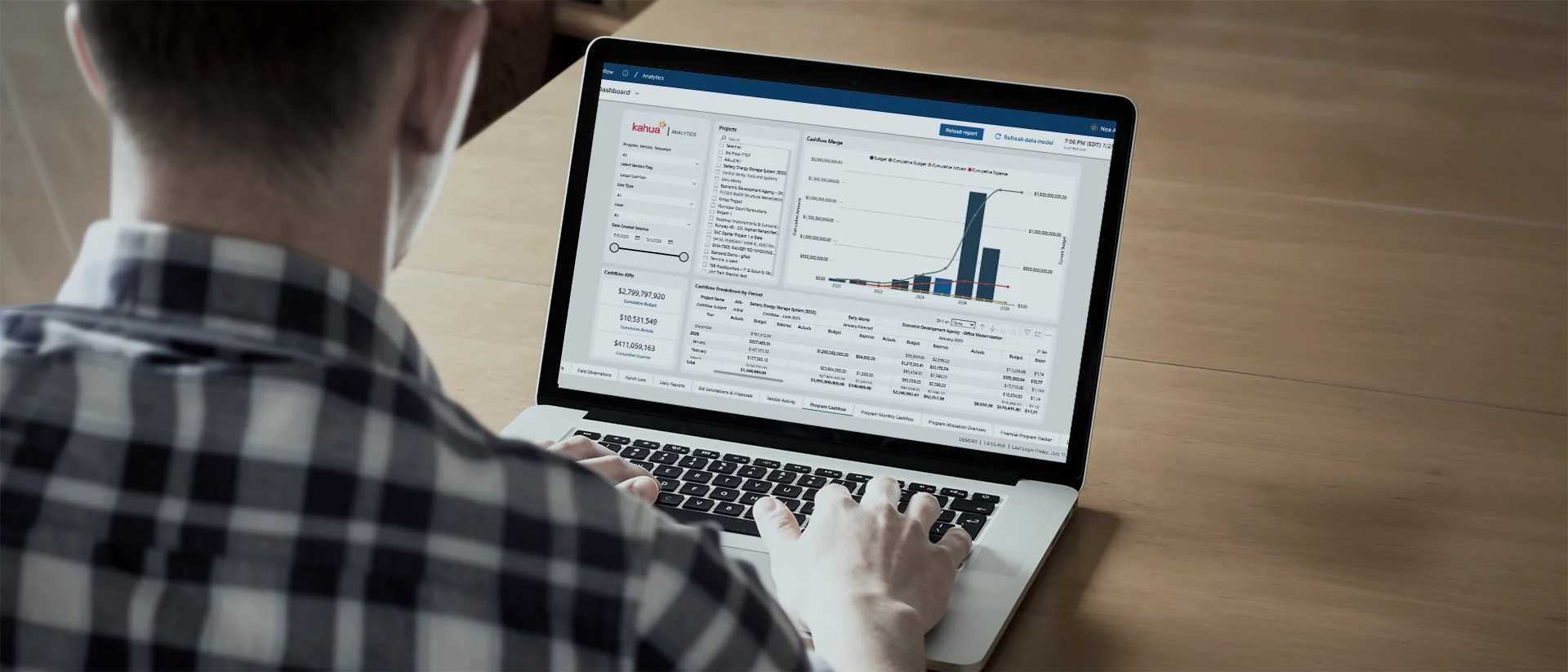
A person in a plaid shirt uses a laptop displaying data charts, graphs, and tables on the screen, while seated at a wooden table.

Estimating & Procurement

Connect estimating, bidding, procurement, and contract data in one workflow. Improve visibility into commitments, compare costs against budgets, and help teams make informed decisions before issues affect delivery.

Two people working at a computer, one sitting and typing while the other stands and points at the monitor. Computer code is displayed on screens in the background.

Accounting & ERP

Connect financial systems with project and funding data to track budgets, forecasts, commitments, and expenditures. Give leaders the visibility they need to manage capital programs with greater confidence.

A person holding a phone and working on a laptop displaying data charts and graphs sits outdoors on gray tiled steps.

Scheduling

Connect scheduling tools with project controls, costs, and reporting to see how changes affect delivery. Identify delays earlier, improve coordination across teams, and keep projects and programs moving forward.

Kahua Platform Tour

 See how Kahua integrates securely into your enterprise architecture.

Existing Partners

Explore a sample of our current integrations.

Kahua has successfully integrated software solutions for countless construction projects and programs. Need a new integration? Any of our partners can make it happen. 
Esri logo featuring a stylized globe with green and blue sections and black grid lines, next to the lowercase text esri in black font on a light background.
IBM Maximo logo featuring the blue striped IBM text above the word maximo in black lowercase letters on a light gray background.
Bluebeam logo in blue text, featuring a square icon with a smaller square inside it. Below Bluebeam, it reads A Nemetschek Company in smaller, black text.
Microsoft logo with four colored squares—red, green, blue, and yellow—forming a window shape, next to the word “Microsoft” in gray text on a light gray background.
The image shows the word Sage in a modern, rounded green font on a light gray background.
SAP logo featuring bold white letters SAP on a blue, angular background with a sharp right-facing edge, set against a light grey backdrop.
OxBlue logo with Ox inside a dark blue rounded rectangle, followed by Blue in dark blue text. Below, in smaller letters, it says part of Hexagon.
The Workday logo with the word workday in blue lowercase letters and an orange curved line arching over the text on a light gray background.
Google Drive logo: a triangular shape with green, yellow, and blue segments on a light gray background.
Google Docs logo featuring a blue document icon with white horizontal lines next to the words “Google Docs” in gray text on a light background.
DocuSign logo featuring a red and blue abstract icon to the left of the brand name docusign in black lowercase letters on a light gray background.
Two stylized palm trees to the left of the text QSS OASIS on a light background.
Yardi logo with a blue geometric design on the left and the word YARDI in bold blue letters on a light gray background.
The FM:Systems logo with four blue squares arranged in an L-shape to the left of the text fm:systems in lowercase gray letters on a white background.
EarthCam logo featuring a stylized blue and green e design to the left of the word EarthCam written in bold blue letters on a light background.
Alfresco logo featuring a multicolored, abstract flower-like icon on the left and the word Alfresco in gray letters on the right.
The Viewpoint logo features a stylized blue V on the left, next to the word Viewpoint in dark gray font on a light background.
A red square icon with rounded corners displays P6 in large white letters above the white Oracle logo on a light gray background.
Oracle logo in red text above a black line, with JD EDWARDS written in black capital letters below.
Nuvolo logo with the word nuvolo in blue below a blue cloud graphic featuring an upward arrow inside the cloud.
The image shows the letters CMiC in red font. The i is stylized with a yellow and white design on a light gray background.