Construction Management Software for Defense Contractors
Secure your contract, your margin, and your data.
Protect sensitive project data without slowing down. Kahua helps you track costs, project controls, field activity, and reporting in one secure platform.





Keep one operating record for all your projects.
Manage Department of Defense (DOD) and commercial work in one platform, with tighter controls where CUI is present. Keep project delivery and company reporting connected.
Protect CUI through delivery.
Keep sensitive drawings, contracts, submittals, changes, and field records inside governed workflows from project setup through closeout, with access decisions tied to the work.
See risk across contracts.
Roll current DoD project information into a portfolio view, so operations, finance, and security teams can see where cost, schedule, or compliance risk needs attention.
Use AI inside the boundary.
Use Kahua AI™ within the FedRAMP-certified platform boundary to work with project information while federal governance and audit controls remain in place for defense work.
Tour Kahua for Contractors
See how DoD contractors manage secure project work in Kahua.

Track costs as work evolves
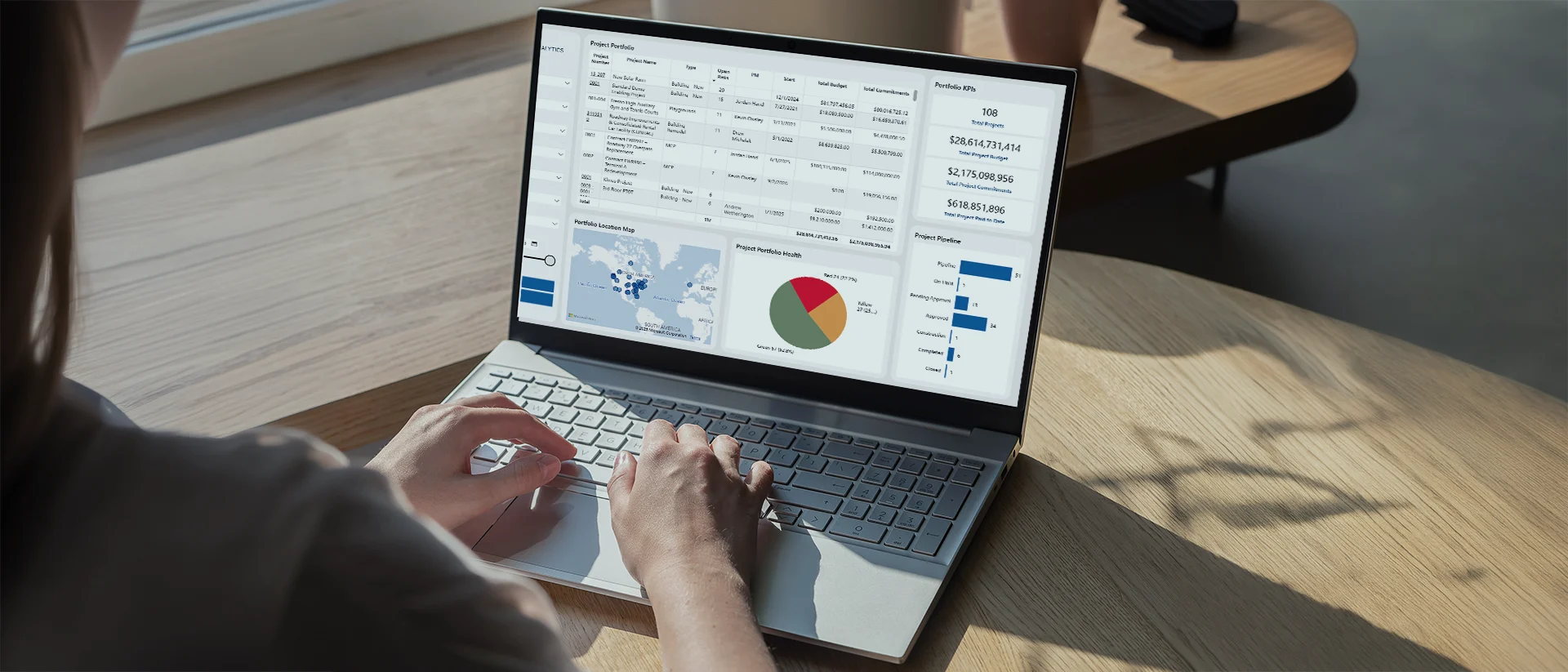
Get a complete view of every project
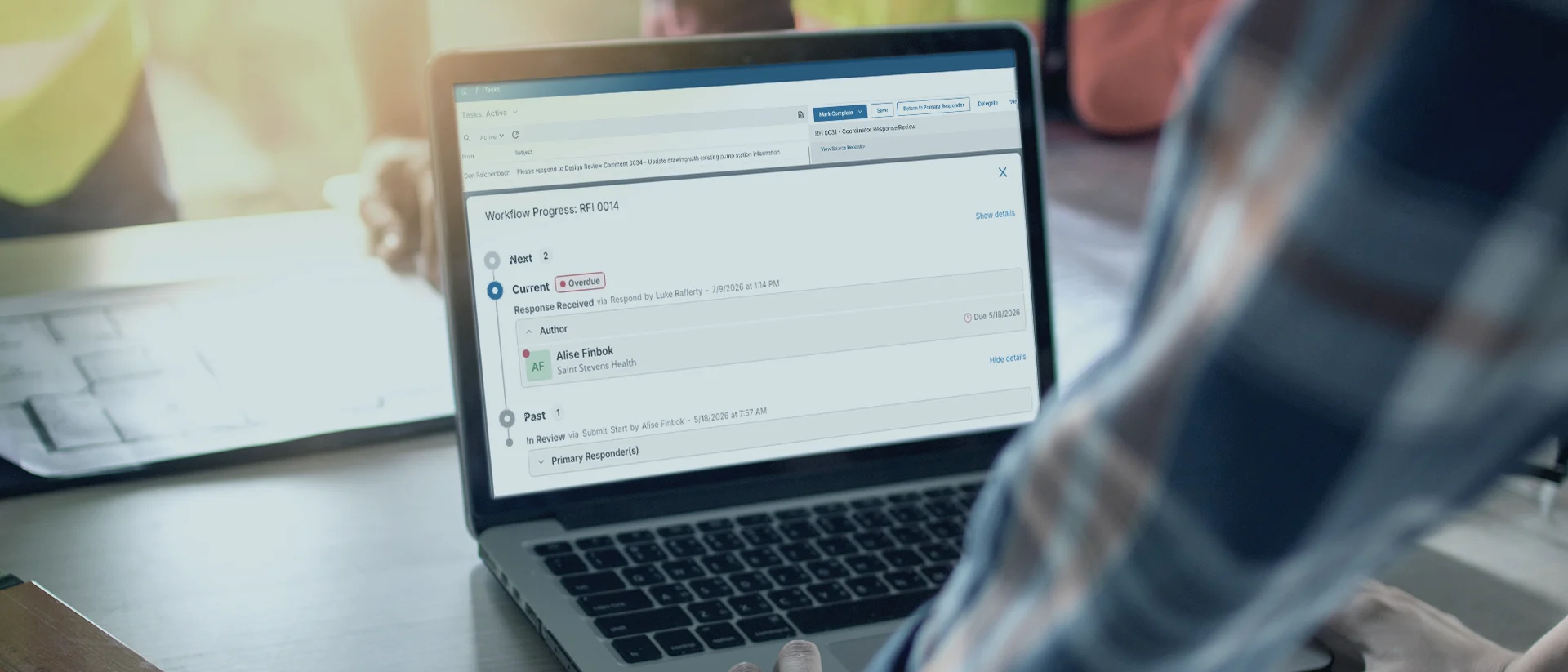
Keep reviews moving
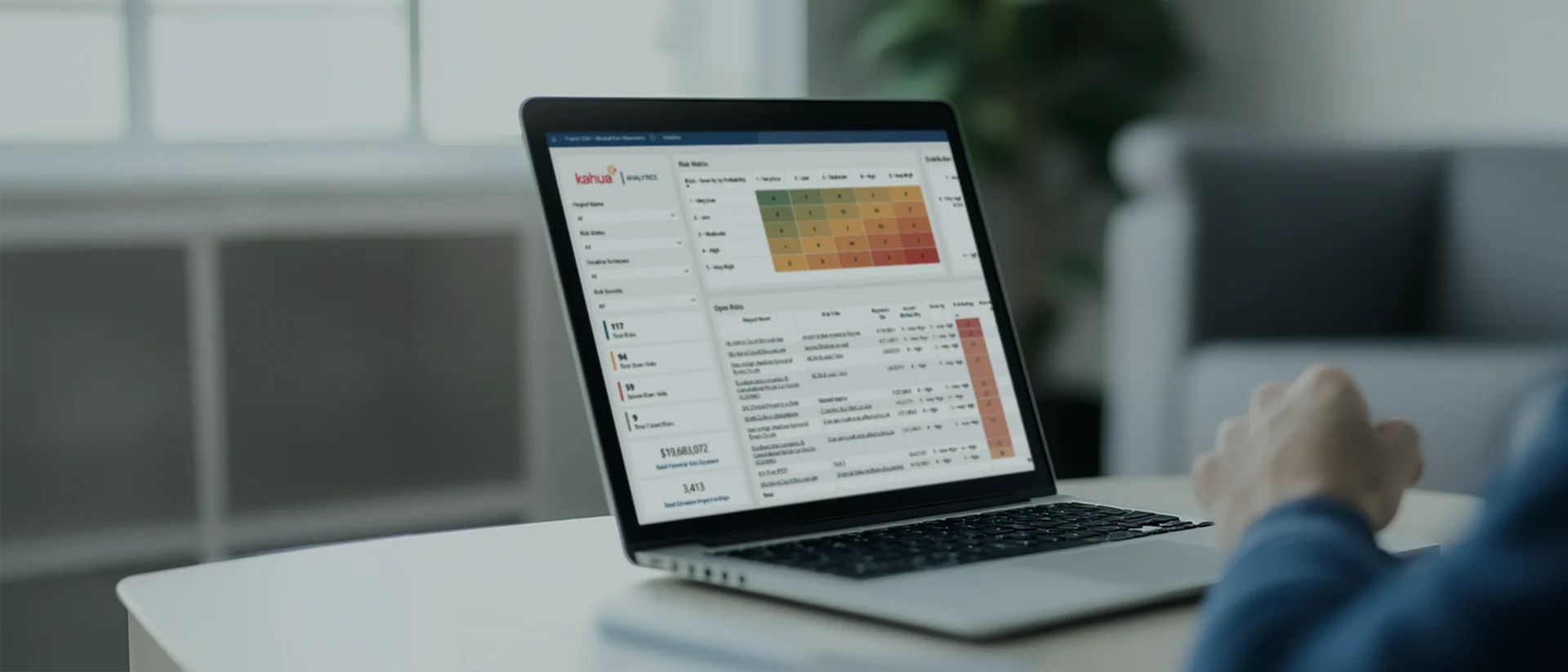
Turn data into clear answers
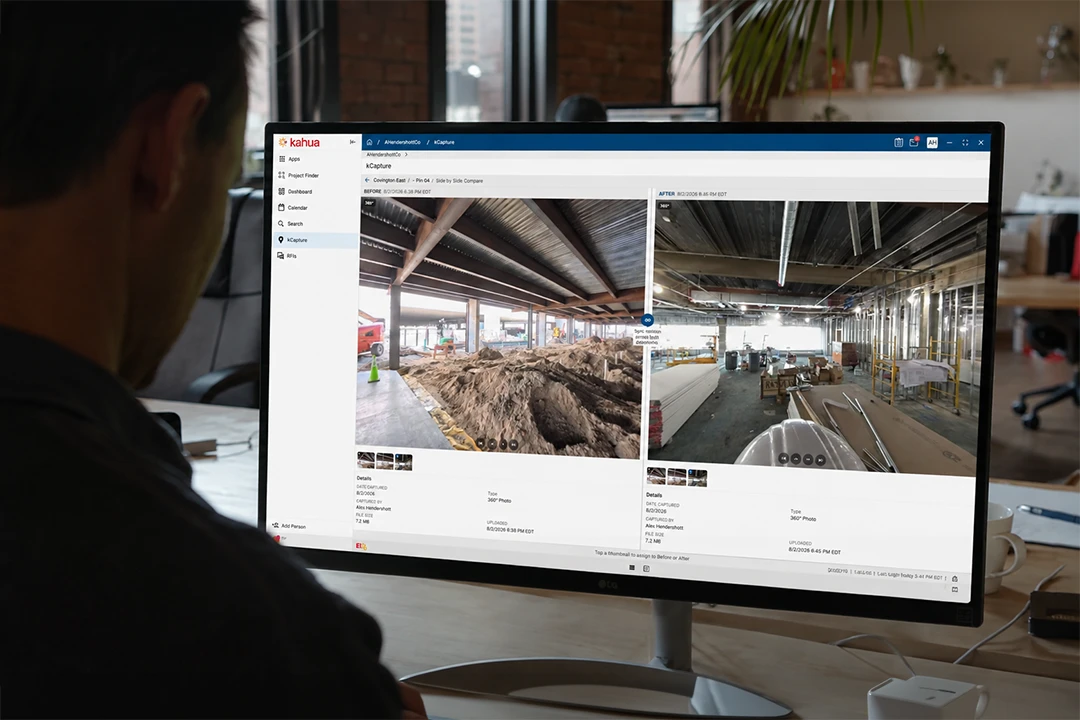
Reality capture
Fast track your CMMC certification.

Construction-ready intelligence that operates within your secure, governed environment.
Explore Kahua AIIntegrations
Keep your systems fully connected.











Customer Testimonial
Bring DoD project work into Kahua’s secure platform.
Government-Grade Security
Keep sensitive project data inside a governed environment.
FAQs
Frequently asked questions
Defense contractors need project systems that protect CUI without separating cost, delivery, partner access, and reporting. See how Kahua supports secure DoD construction and companywide oversight.
Construction management software for defense contractors brings project controls, cost management, documentation, field activity, and reporting into a secure, connected environment built to safeguard sensitive project information.
Kahua provides general and specialty contractors with a single system for both commercial and DoD projects. Teams can apply governed access and CUI controls where needed while maintaining consistent company workflows and portfolio-wide visibility.
Kahua helps defense contractors manage CUI by keeping sensitive information—drawings, layouts, contracts, submittals, related communications, etc.—within governed project workflows.
Role-based access, encryption, and detailed activity records help ensure users only see the information they are authorized to access, while approved partners can collaborate securely in the same environment.
No single software platform can make an organization CMMC compliant. Contractors must address their full CUI environment, organizational policies, processes, workforce training, and assessment requirements.
Kahua supports that broader program with a FedRAMP-certified platform, CMMC-aligned project workflows, access controls, audit trails, and tools for organizing readiness evidence.
Yes. Kahua supports defense and commercial projects on the same platform, with permissions, forms, workflows, and reporting configured for each contract and unique information requirements. This allows companies to manage projects consistently without creating a separate operating model solely for work involving CUI.
FedRAMP and CMMC are different programs, but they share security concepts and controls. Using a FedRAMP-certified cloud service can reduce the cloud-provider controls a contractor must address independently, depending on the system scope and shared-responsibility design. A CMMC consultant or assessor should validate how the platform fits within the contractor’s complete CUI environment.
Yes, Kahua can connect project workflows and cost data with accounting, scheduling, and other enterprise systems. Teams can define how information moves between systems based on the source of record, security requirements, and the workflows involved.
Kahua Resources
Explore resources for defense construction contractors.



Who Uses Kahua?