AI in Construction
Construction AI that works the way you build.
Kahua AI brings secure, construction-ready intelligence to every workflow inside the Kahua platform. At the center of that intelligence is Noa™, powered by Kahua AI™: your trusted AI partner that helps teams work easier today and build faster for tomorrow.
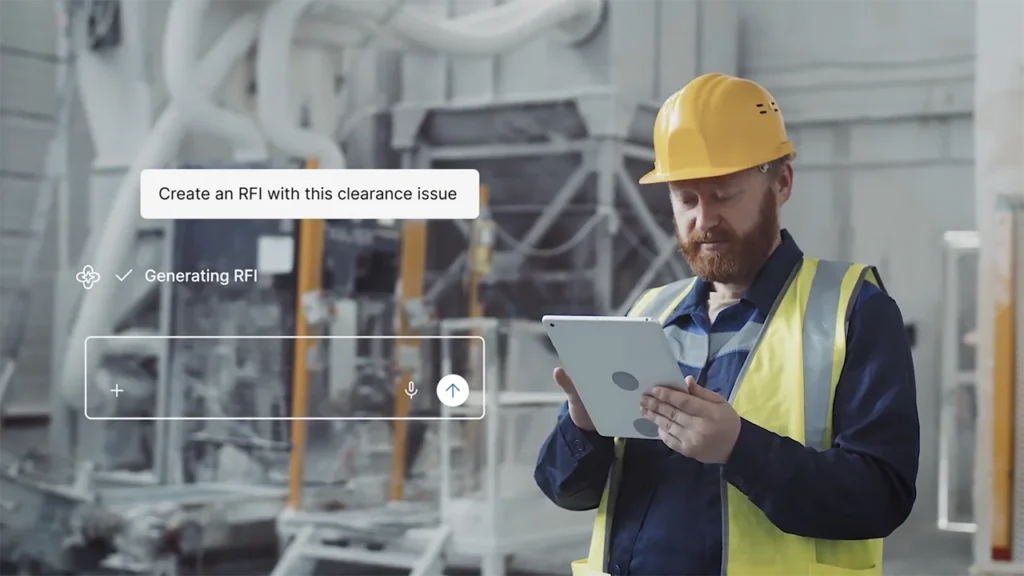
AI that works in your system of record
Noa understands your company’s unique workflows and data, and its responses and actions fit the way your teams already work.
Built for your process, not ours
Because Noa works inside Kahua, it’s securely embedded in your workflows, and ready to help you imagine and build what’s next.
If you can imagine it, you can build it
Noa Assists takes on repetitive work that slows teams down, helping users get from question to answer without leaving Kahua.
Turn ideas into apps and workflows
Using kBuilder Canvas™, powered by Noa, teams can describe their process in plain language and create an app or workflow in minutes.
See kBuilder CanvasAI in a secure, governed environment
Noa can operate inside Kahua’s FedRAMP-certified boundary, so government organizations and affiliates can use construction AI in a secure environment.
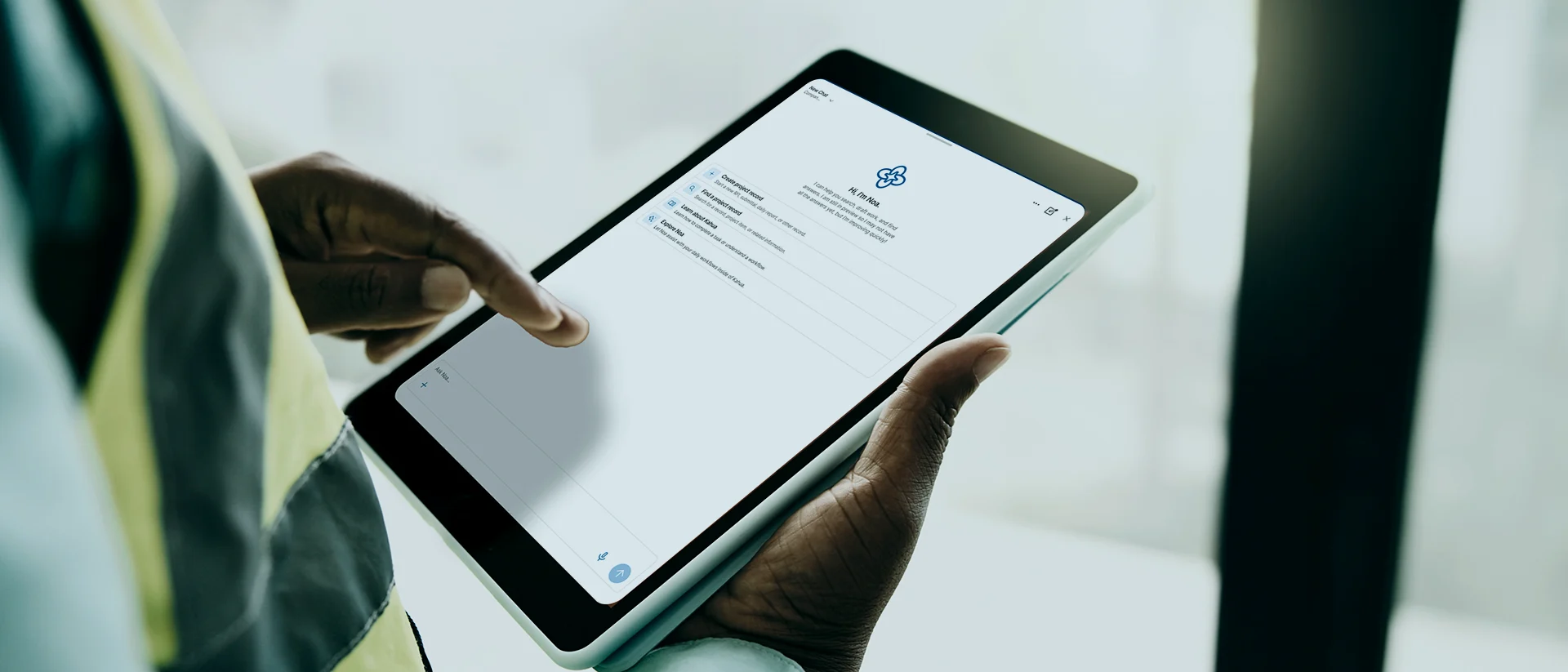
Noa Assists
Work easier: Foundational AI for every team
Noa Assists helps teams reduce manual effort by finding project information, creating records, and automating repetitive tasks—all within Kahua’s secure, governed environment.
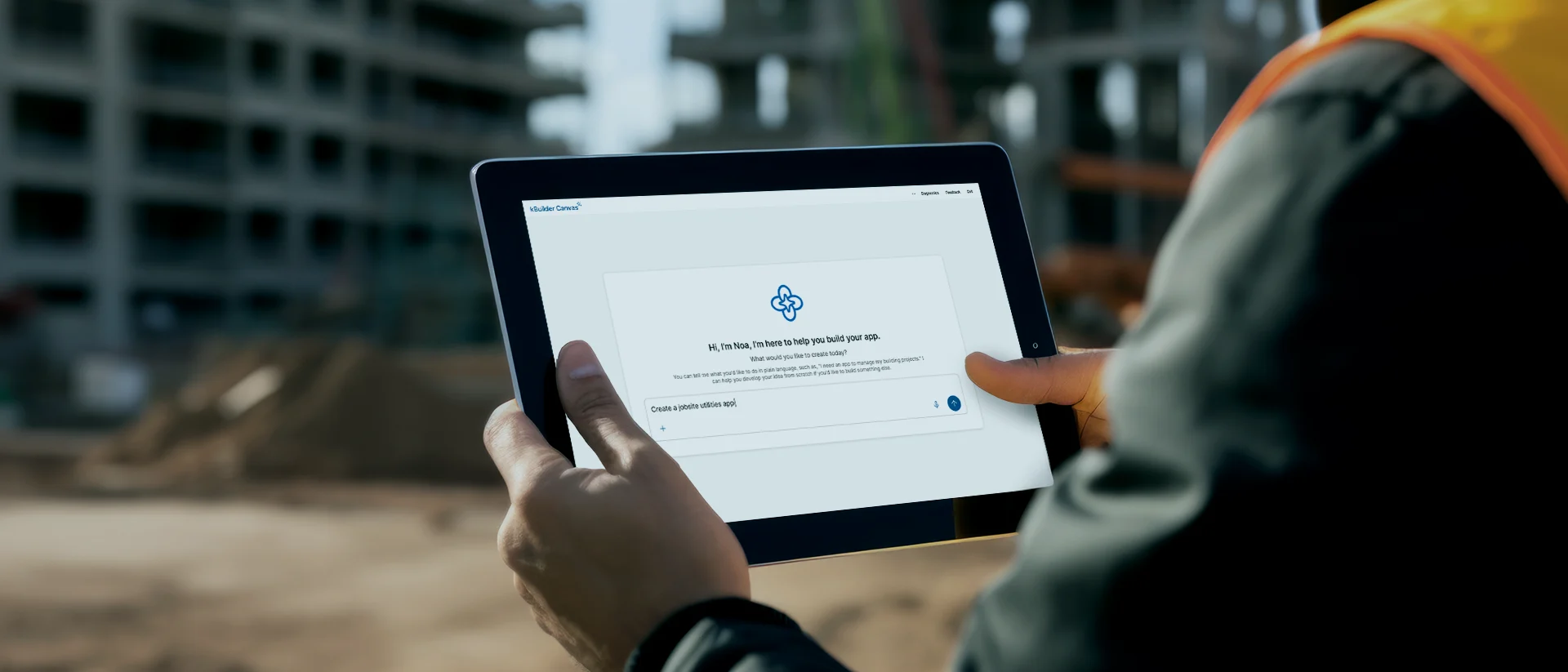
Noa Creates
Build faster: The Complete Noa experience
Noa Creates lets users turn ideas into apps, workflows, and new solutions by using natural language within kBuilder Canvas; reducing reliance on IT and doing months of development in minutes.
See What Noa Can Do
See how Noa helps teams inside of Kahua.
FAQs
Frequently asked questions
Learn how AI is being used in construction, where it can add value, what risks teams should consider, and how to introduce it responsibly.
Construction teams are using AI to make everyday project work less manual and project information easier to act on. It can help someone find the right record, understand a lengthy document, prepare a first draft, or turn field information into a clearer next step.
AI can also surface patterns in project data, support reporting, and reduce time spent on routine administration. AI in construction can be applied across planning, design, project delivery, closeout, and operations.
Noa is our in-platform AI assistant, powered by Kahua AI. Teams use Noa to create new apps and workflows inside of Kahua. Noa can also answer questions, find project information, and automate routine tasks.
Noa Assists helps users complete everyday project tasks faster, while Noa Creates turns plain-language instructions into apps and workflows—in minutes.
Yes, Noa works within each customer’s Kahua environment, workflows, business processes, governance, and access controls. Customers don’t need additional training or process changes to work with Noa. Request preview access to Noa.
Embedding AI in a system of record provides specific industry and detailed organizational context to the output, which a public or generic AI model simply doesn’t have. Instead of relying only on general knowledge, the AI can work with the organization’s approved project information, terminology, workflows, roles, permissions, and project history. Historical context helps Kahua’s AI, referred to inside the platform as Noa, provide answers and assistance that are more relevant to how your organization actually operates.
A public or generic AI model does not automatically understand a company’s nuanced language, processes, products, or processes. Users must supply that context manually, and such sensitive information may not belong in a public tool.
By AI inside a secure, approved platform like Kahua, it’s easy to enforce the same permissions that govern project data, require human review, identify the source behind important answers, and maintain a record of how AI-supported work was completed.
The risks depend largely on where the AI operates, what information it can access, and how its outputs are used.
Data privacy becomes a concern when employees put contracts, drawings, cost data, personal information, or other sensitive records into public AI tools. That sensitive information may leave the organization’s governed environment. This, in turn, risks leaking sensitive, proprietary company data via a public AI tools like ChatGPT; as well as data security violations regarding the treatment of PII (personally identifiable information). Kahua’s platform is CMMC-aligned, so federal department of defense contractors can safely handle PII.
Outdated or unsupported responses are another risk of using AI incorrectly. It can produce confident answers that are wrong or even harmful. In construction, an incorrect summary of a specification, approval, cost record, or project status can impact decisions and work.
An AI tool that does not follow existing project and role-based access controls could reveal information to someone who would not normally be authorized to see it. Using unapproved AI tools can create similar problems by moving project work outside the system of record, where access, activity, and decisions may no longer be traceable.
Start with practical, low-risk AI use cases tied to existing workflows. Look for repetitive tasks, difficult searches, manual document processing, or reporting bottlenecks. Define who can use AI, what data it can access, and a review process for outputs. Additionally, create a regular cadence to ensure the source material your construction AI is using is up to date.
Kahua’s AI operates within Kahua’s secure, FedRAMP-certified, governed environment and follows existing role-based, project-based, workflow, and document permissions. Noa, powered by Kahua AI, only works with information the user is authorized to access.
Related Solutions
Explore AI in construction and operational readiness resources.
Explore Related Solutions