Power and Utilities Construction Software
Delivering power at the speed of demand.
Kahua helps utilities and power producers connect costs, teams, documents, reporting, and asset information for the most complex energy capital projects.
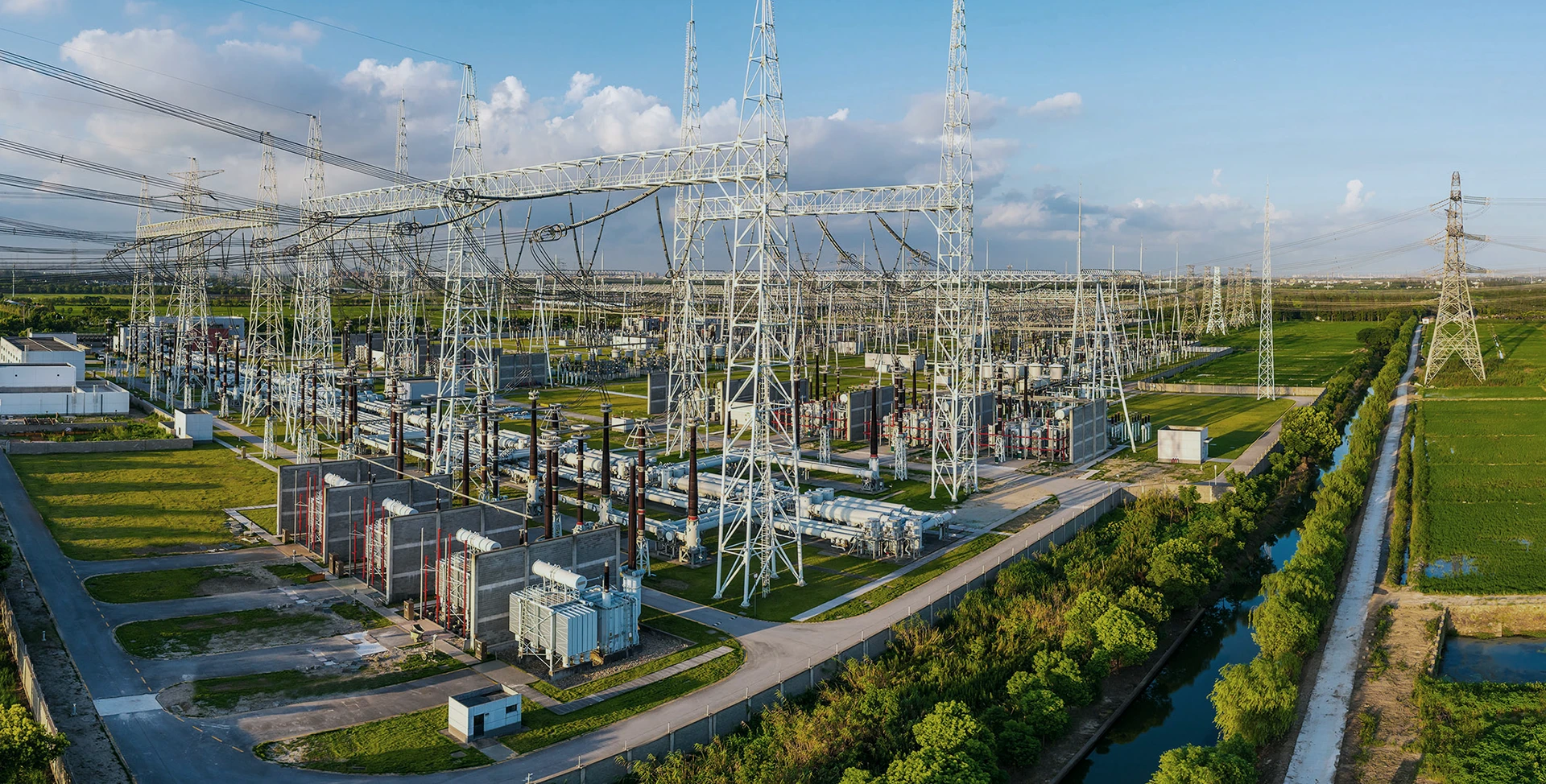



How can you meet power demand at scale?
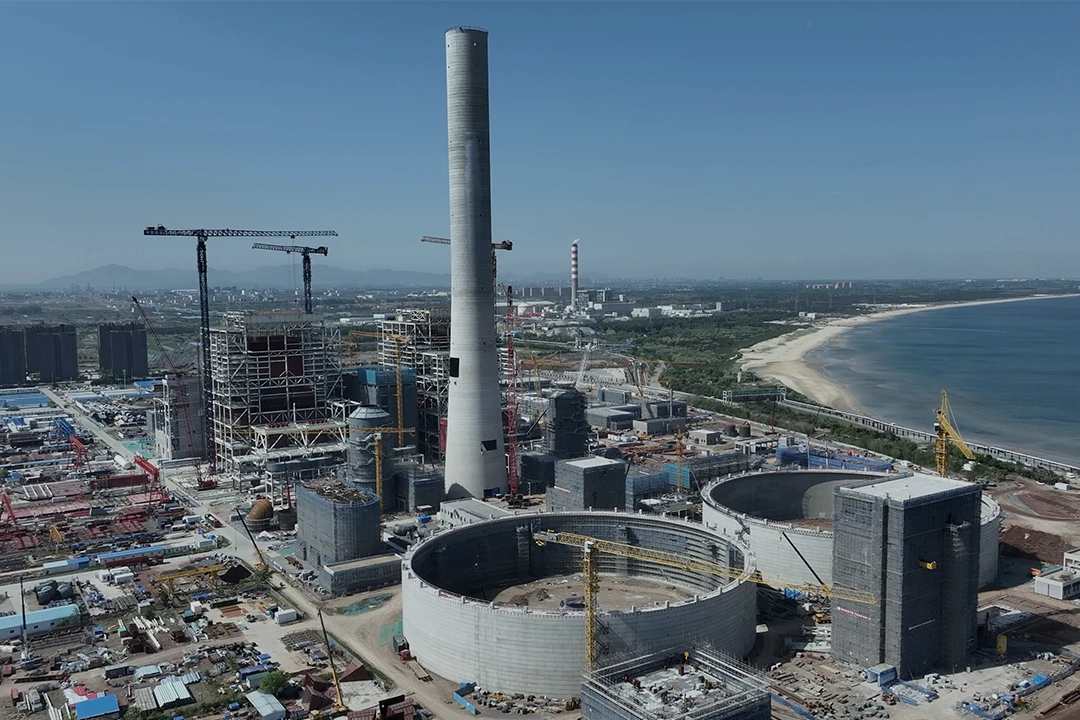
Speed to power challenges governance and execution
AI, industrial manufacturing, and electrification are driving accelerated delivery timelines, increasing governance and execution risk across power projects.

Grid and energy transition complexity
Renewables, battery storage, microgrids, hydrogen, and carbon capture are making portfolios more diverse and complex, increasing the need for governance and flexibility.
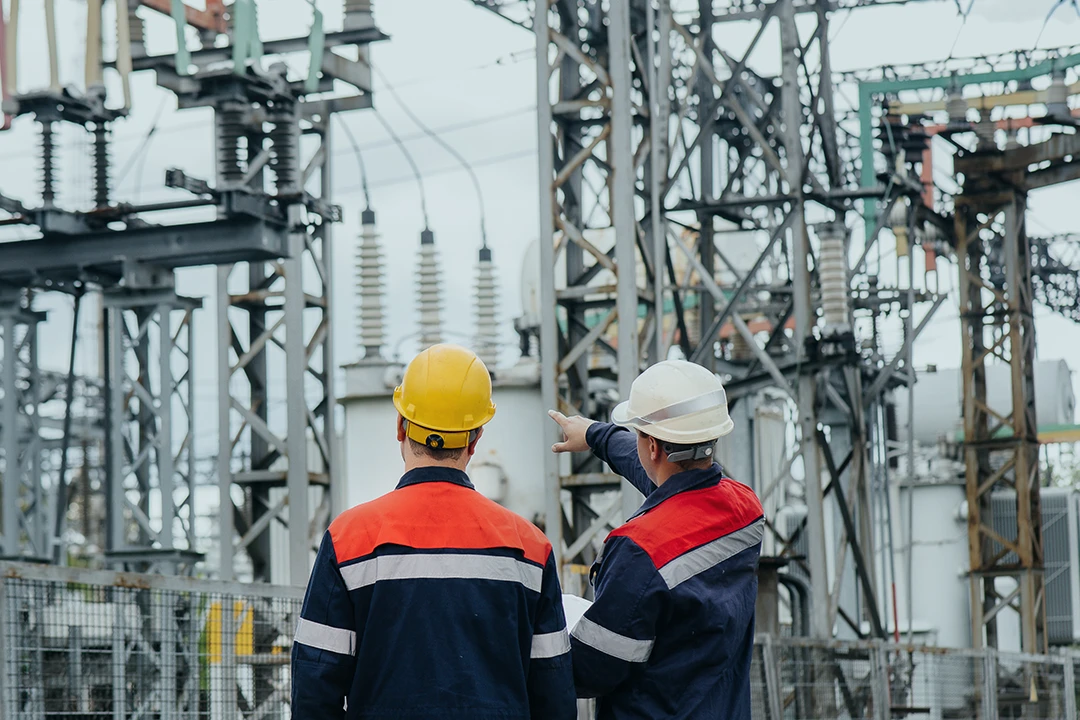
Regulatory compliance and asset risk
Managing defensible records for cost, approvals, and funding is critical for audit and regulatory compliance, and to avoid fines.
Tour Kahua
Kahua supports power and utilities from planning to handover.
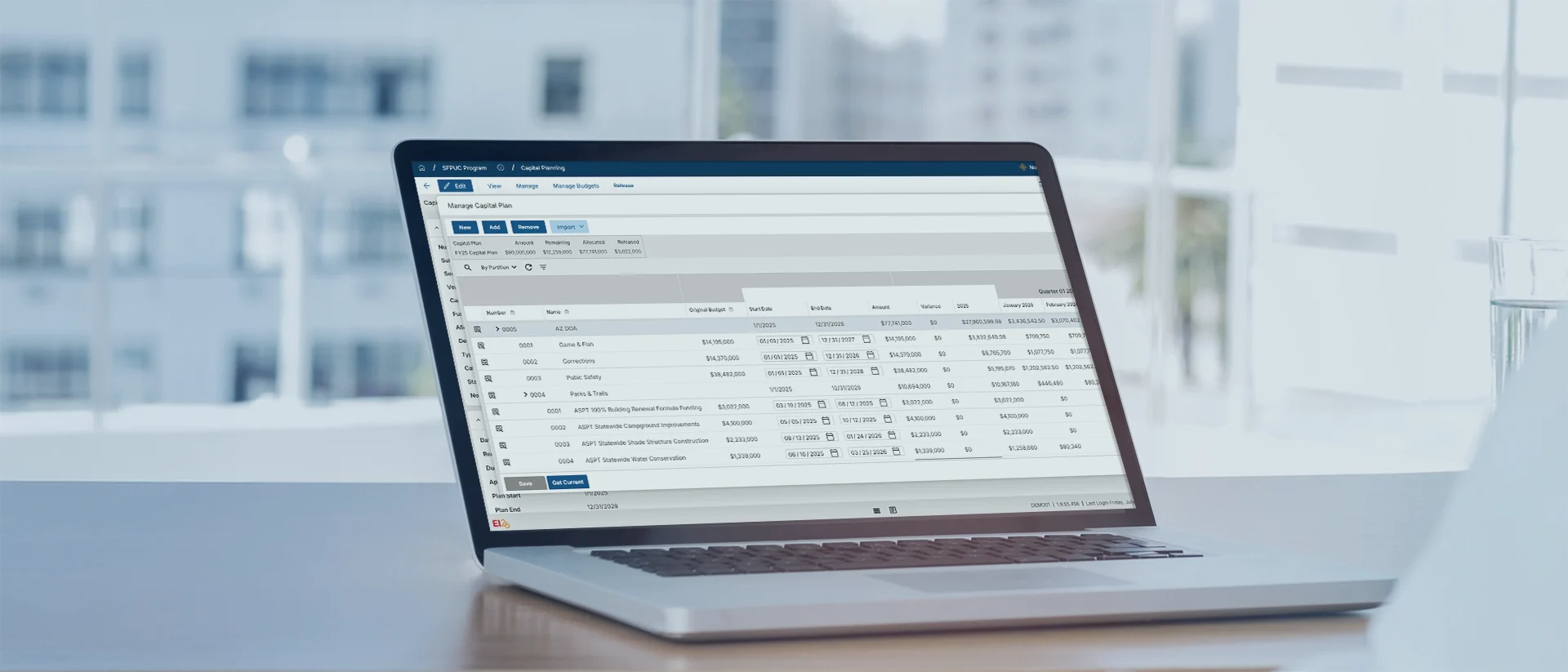
Plan capital programs

Hit commercial operation dates (COD)

Track budgets and cashflow
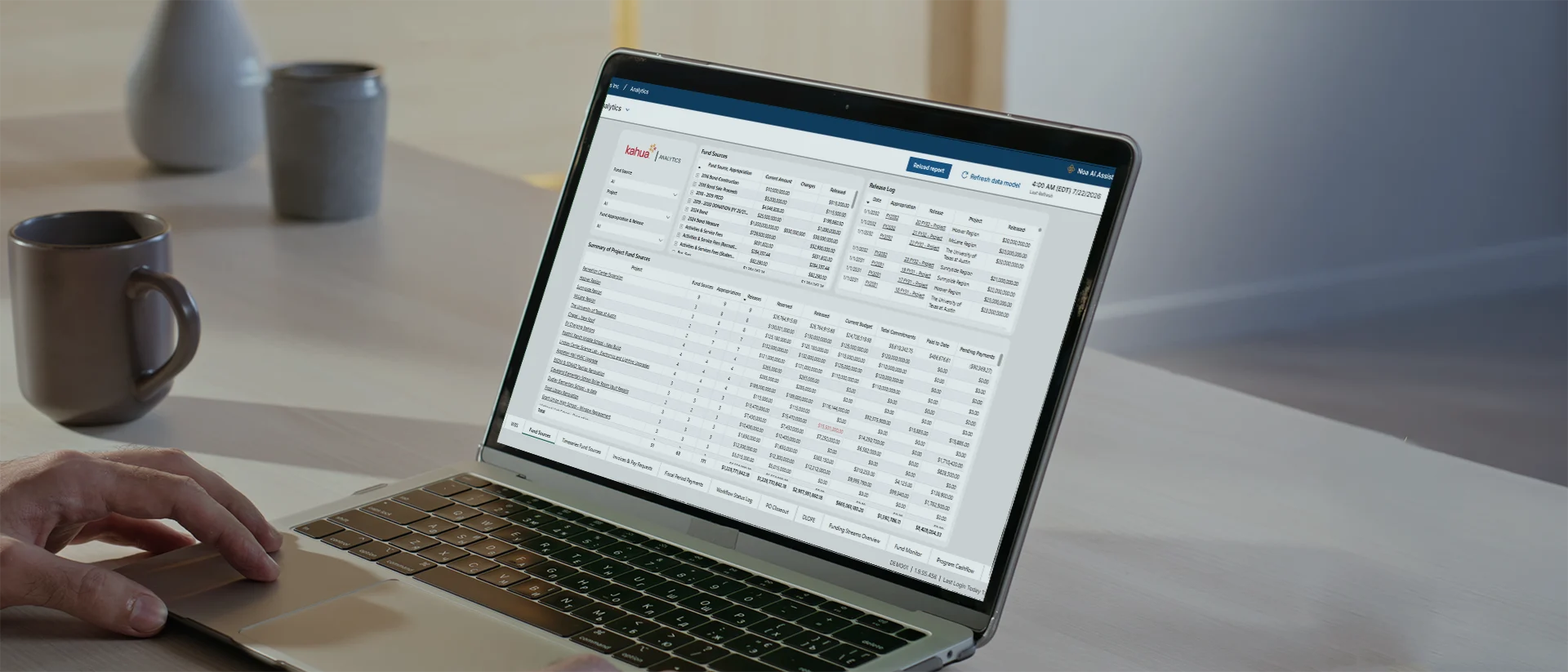
Trace funding sources
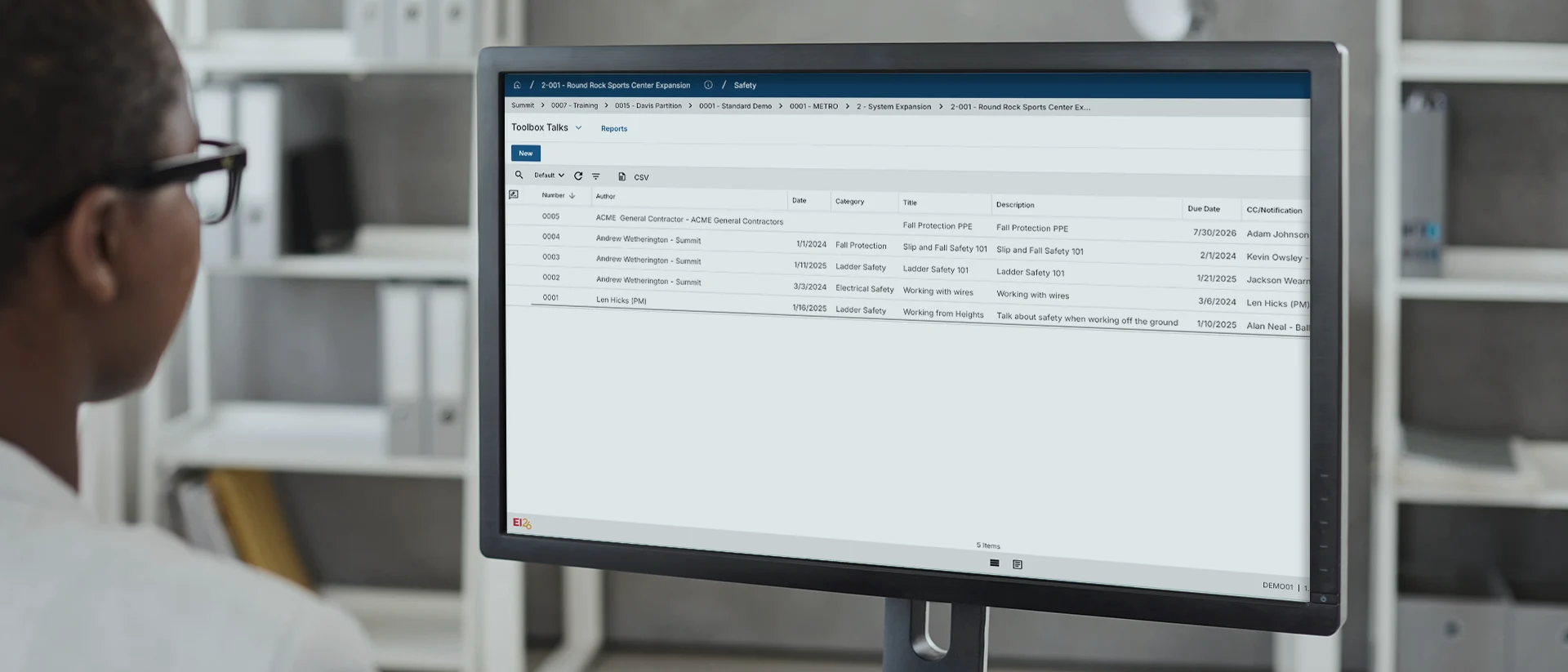
Maintain auditable controls

Prepare assets for operations

Secure, construction-ready intelligence that helps you manage your builds—and beyond.
Explore Kahua AIWho Uses Kahua?
Support power and utilities from planning to handover.

Owners and EPCs
Governance across self-perform and multi-party work.

Power infrastructure
Deliver generation, transmission, and distribution projects.
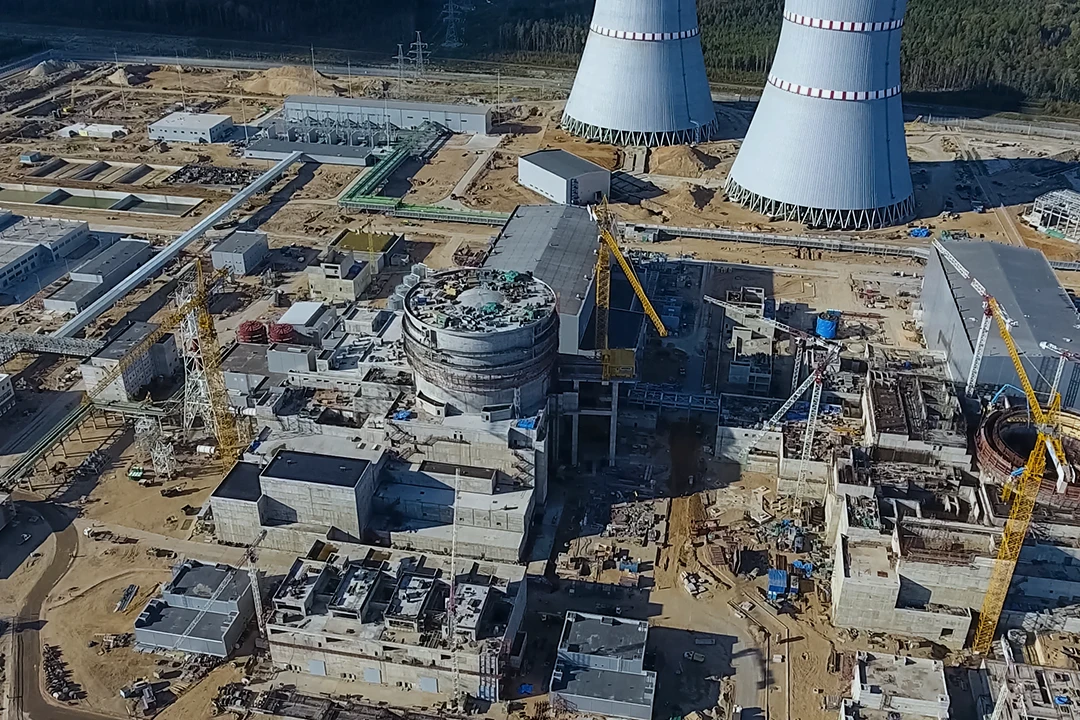
Critical infrastructure
Secure delivery for nuclear and other mission-critical infrastructure.
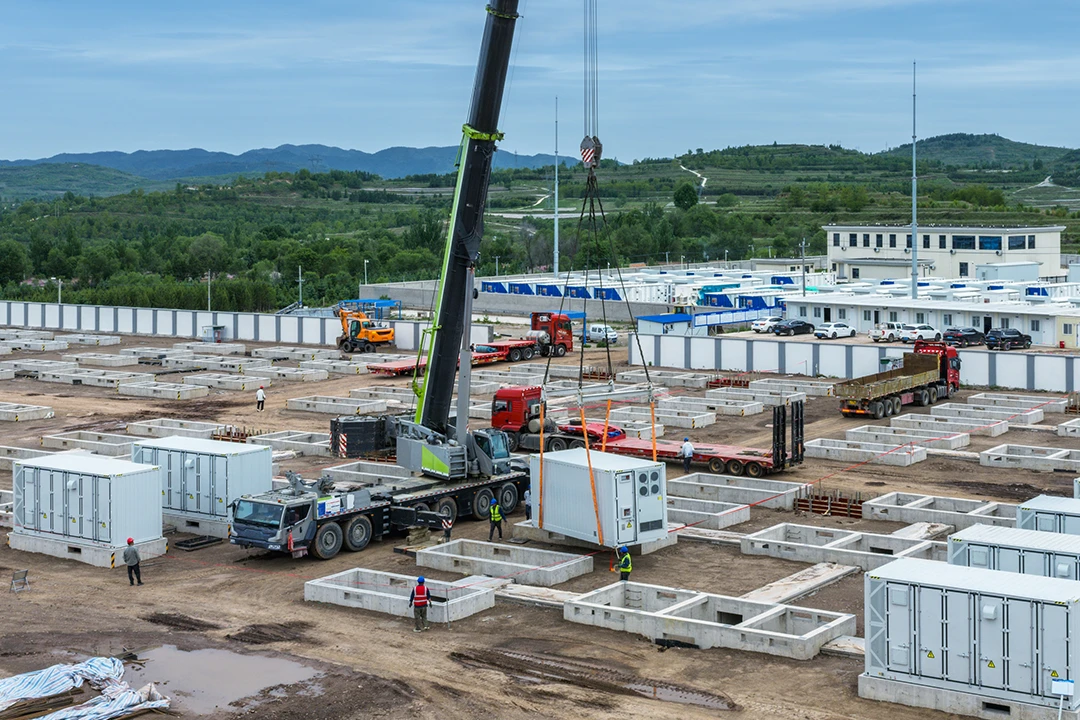
Energy transition
BESS, hydrogen, CCUS, and traditional renewable energy capital projects.
Customer Testimonials
Built on trust. Proven in practice.
Enterprise-Grade Security
Security for critical infrastructure programs
FAQs
Frequently asked questions
Have questions about how to accelerate project delivery, strengthening portfolio governance, or minimizing execution risk?
Kahua helps reduce system fragmentation and friction in planning, design, approvals, external collaboration, construction, commissioning, and handover. Teams can route work through governed workflows, leverage AI to boost user productivity, see cost and status in one place, and collect asset data as work moves toward in-service.
Power and utilities construction software helps owners, regulated utilities, and power producers connect capital work across generation, transmission, distribution, storage, gas distribution, and energy transition programs.
The right platform should connect cost, schedule, procurement, documents, approvals, field updates, partner work, and asset data in one place. That gives teams current information about what changed, where risk is building, and whether each asset is ready for commissioning, service, and operations.
Kahua’s Asset Centric Project Management® approach promotes speed to power—we capture key design data and deliverables progressively ensuring rapid transition to operations.
Yes. Kahua helps regulated utilities keep project costs, approvals, documents, funding details, and changes connected in one auditable record. That supports the project documentation behind PUC, FERC, NERC, board, audit, rate-case, and program reporting needs.
Kahua helps teams collect asset data, nameplate details, OEM documents, commissioning records, quality documentation, and closeout information during project delivery. Operations and maintenance teams can start with a cleaner record instead of chasing data after the asset goes into service.
Yes. Kahua has very robust, configurable integrations. Project data in Kahua can connect with ERP, scheduling, document management, procurement, engineering, GIS, business intelligence, and asset management systems, including tools such as SAP, Oracle, Primavera P6, and Maximo.
Those connections matter when cost details sit in one system, schedules in another, asset records in another, and contractors manage updates in their own tools. Connected data helps finance, compliance, IT, operations, and project teams reduce duplicate entry and maintain a clearer audit trail.
Kahua Resources
Explore resources for power, utilities, and energy capital programs.
Video
How Power and Utilities Gain Control of Complex Capital Programs
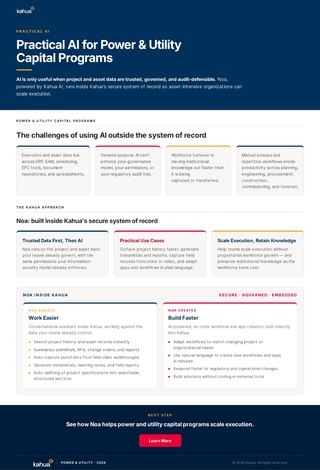
Brochure
Practical AI for Power and Utility Capital Programs
Video
Ensuring Operational Readiness in Energy & Power Capital Programs | Kahua Webinar

Brochure