Construction Document Management Software
Don’t let (lack of) collaboration slow you down.
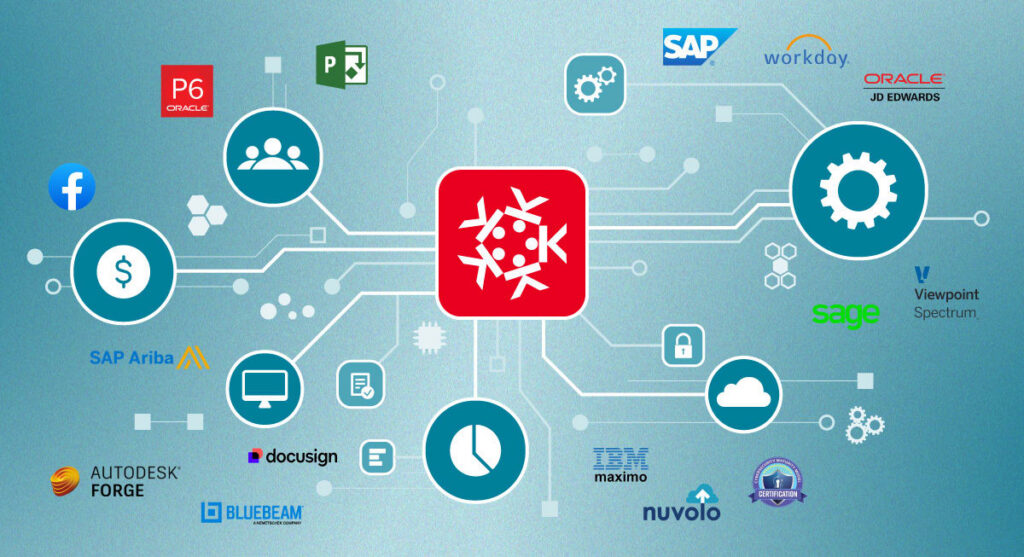
Kahua connects everything—drawings, files, RFIs, submittals, approvals, and project communication—between Kahua domains and other systems.
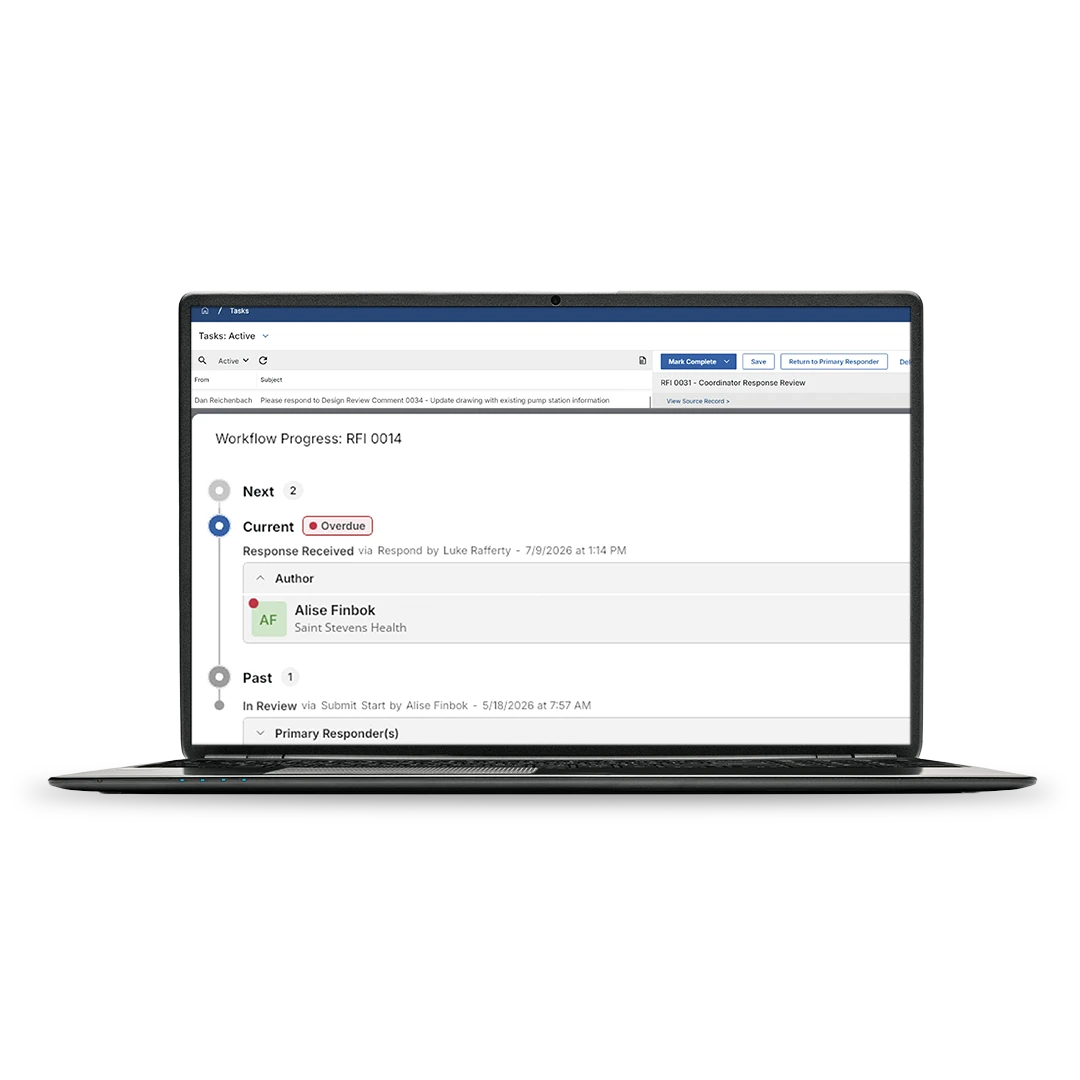
Use the Kahua Network to share information across teams.
Connect workflows and information between owners, GCs, subs, consultants, and partners in a shared data environment for the entire program lifecycle.
Eliminate duplicate entry with real-time data.
Integrate internal and external systems in the Kahua Network and avoid re-entering data. Update files and project records for teams in real time, with shared access to the latest documents, approvals, and status.
Configure workflows to the way you work.
Customize forms, routing, approvals, permissions, and records around your team’s processes instead of forcing your processes to fit the software.
See how the Kahua Network brings teams together.
The Kahua Network lets you share documents (like drawings and specs) internally and externally with other organizations that also use Kahua.

FAQs
Frequently asked questions
See how construction collaboration workflows help teams keep work moving when project records pass between companies and each handoff needs a clear path forward.
Yes. Kahua supports mobile access and offline sync, so field teams can view files, capture photos, record observations, and update daily reports—even when internet access is limited. Records sync once the team reconnects.
The Kahua Network is Kahua’s collaboration model for sharing project information across company boundaries without forcing every organization into the same workspace.
The Kahua Network lets you share documents, like drawings and specs, internally and externally with other organizations that also use Kahua. Each team can keep control of its own data and processes while still giving partners access to the records they need to review, approve, and keep work moving.
Kahua collaboration and workflows is used by owners, general contractors, construction managers, program manager, project managers, project controls teams, schedulers, contractors, subcontractors, consultants, and field teams that need to keep project work moving across organizations.
When data lives in multiple systems and locations, like emails, spreadsheets, and other software tools, project teams have to transfer information between systems. This introduces errors and omissions, and takes a lot of extra time.
Document management and workflow software reduces duplicate entry by keeping shared project information available to the people who need it. Instead of retyping updates across spreadsheets, emails, and separate systems, teams can enter information once, route it through the right workflow, and keep the history tied to the project record.
Kahua Resources
Explore collaboration and workflow resources.

Video
Keep Projects Moving: Tips to Optimize Communication with Kahua RFI’s & Submittals | Kahua Webinar
Article
Kahua Integrations and Open API: Because One Size Doesn’t Fit All

Article
Crawl, Walk, Run: How the University of Illinois Integrated Project Management with their Existing ERP

Video
The Kahua Network
Explore Related Solutions