Construction Program Management Software for Program Managers
Manage every program without starting over.
Outgrown spreadsheets? Kahua can help. Consolidate project data and see program- and project-level reporting in one configurable system. It can flex over time to meet changing requirements.




From project to portfolio
Structure work to meet each contract, program, and team. Report from the top down, and quickly drill down to the relevant project.
Conform to project requirements
Start with out-of-the-box forms and workflows, then adapt them to the project, market, delivery method, and project type. Meet unique requirements without rebuilding the platform.
Consolidate point solutions
Bring project controls, documents, costs, reporting, and collaboration into one environment. Reduce the number of tools that your teams have to learn and use—while consolidating data and governance.
Plan for handover early
Collect structured asset data as design and construction move forward. Give the operations team useful records, organized context, and a cleaner start after turnover.
Tour Kahua for Program Managers
See how program managers support different processes in Kahua.
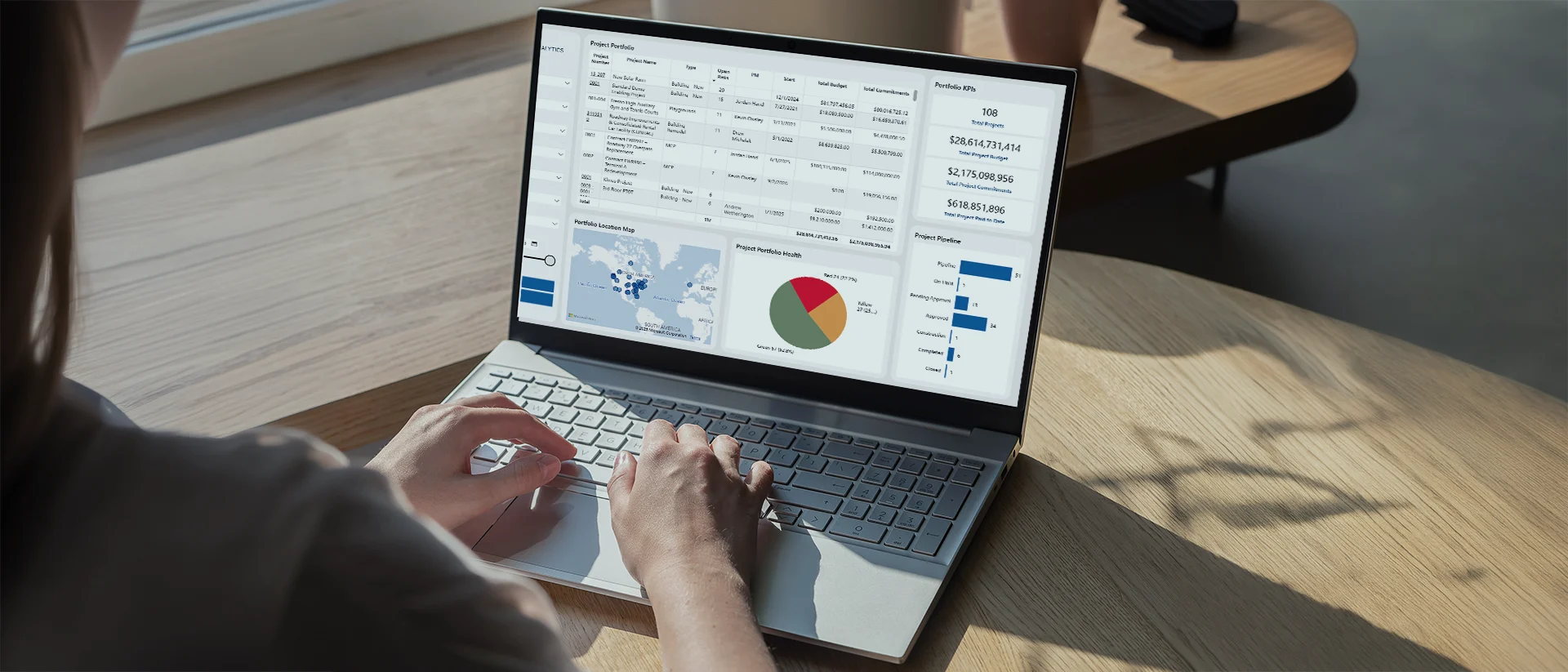
See the whole portfolio
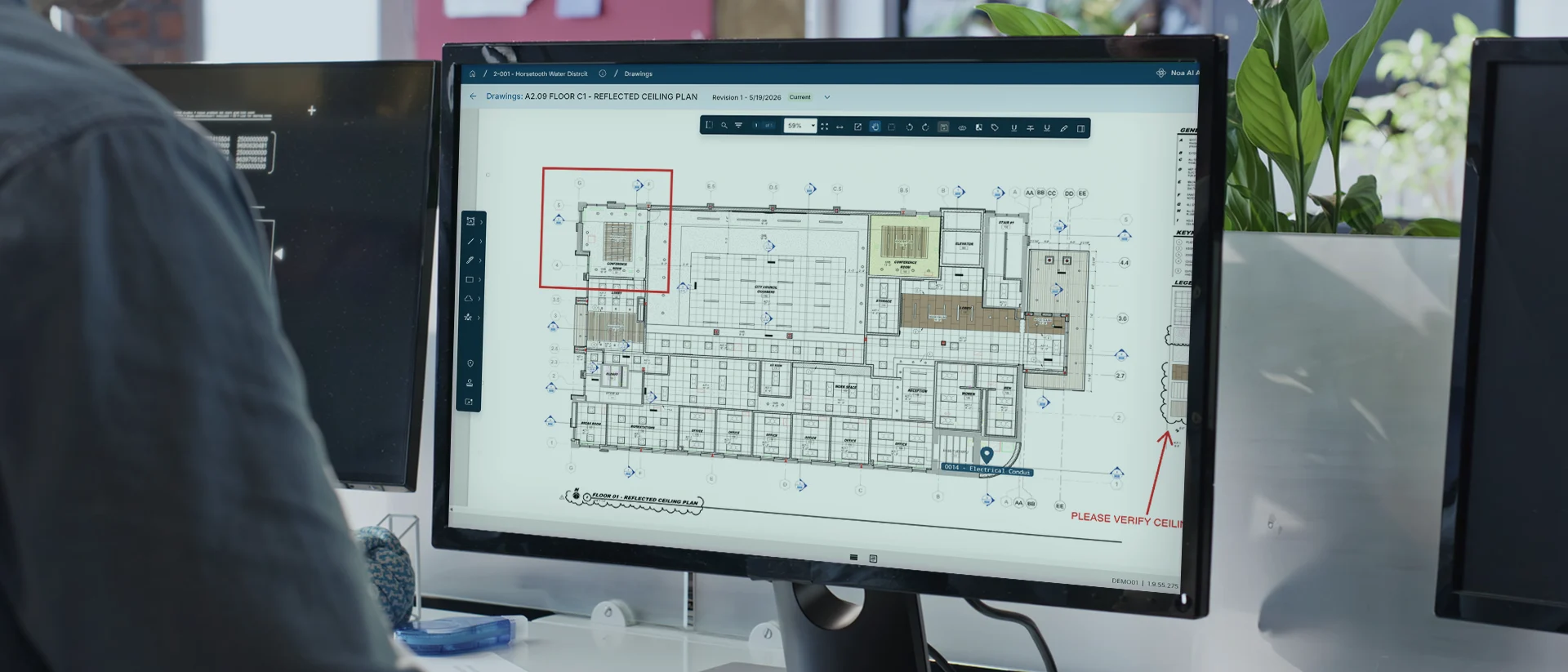
Centralize field updates
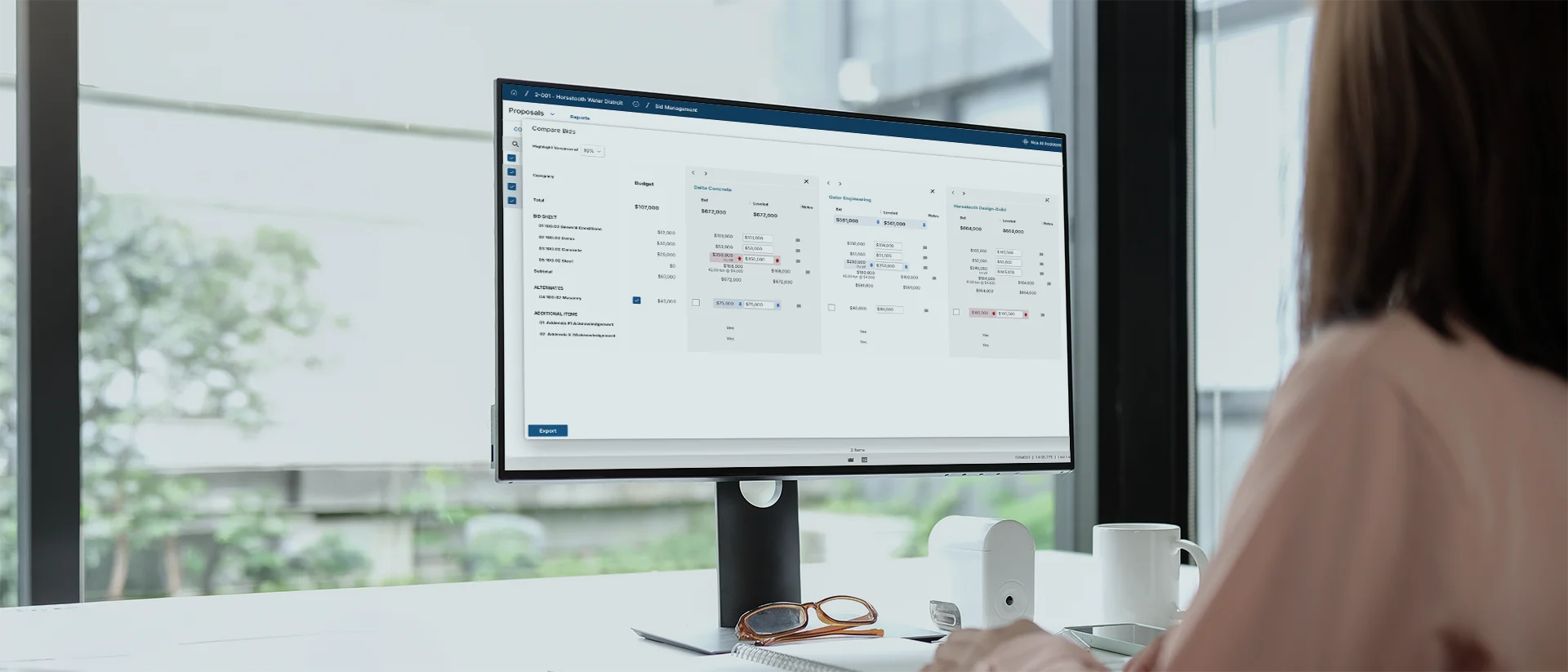
Manage bids through award

Keep costs current
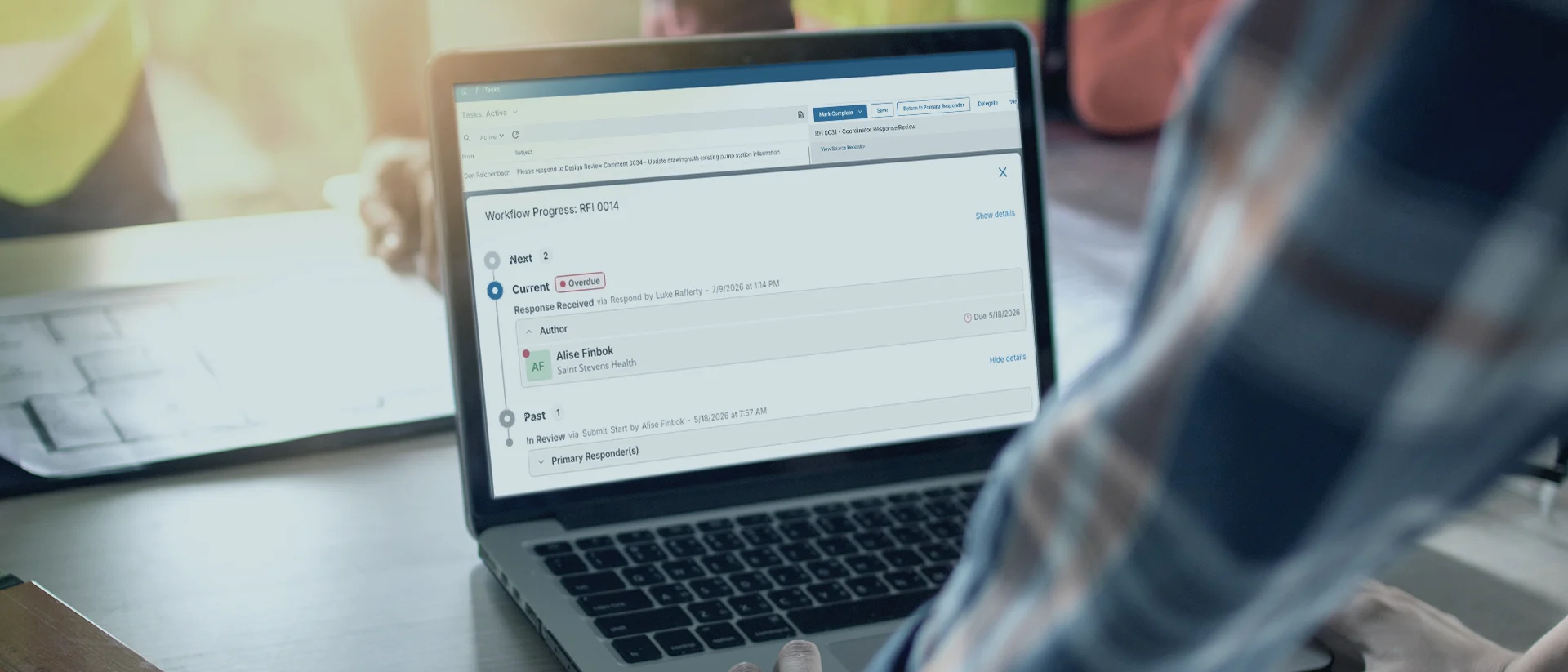
Keep approvals moving
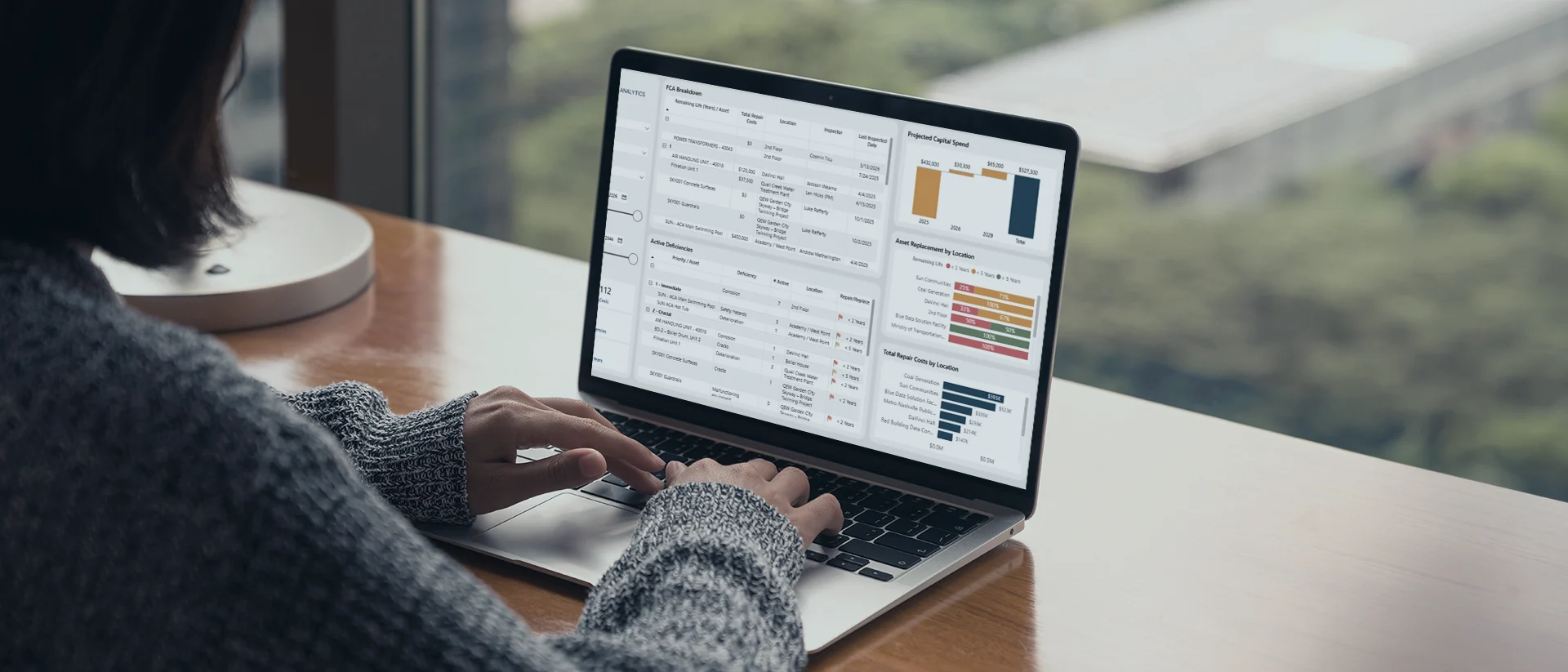
Carry data into operations
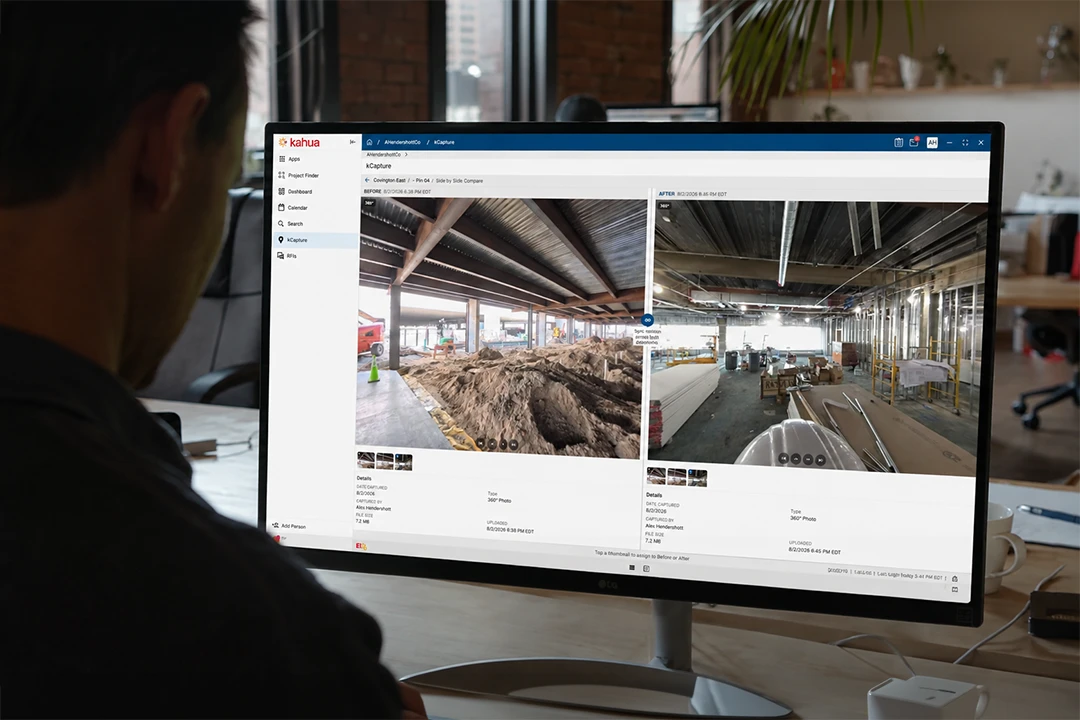
Reality capture
Get answers faster with construction-ready AI that already knows your data.
Explore Kahua AIIntegrations
Keep your systems fully connected.







Customer Testimonials
CMR Partners adapts project delivery to each client.
Enterprise-Grade Security
Create distinct permissions and keep project data separate.
FAQs
Frequently asked questions
Program managers need software that adapts to different workflows without slowing down delivery. See how Kahua supports hierarchy, workflows, reporting, cost, handover, and daily project control.
Construction program management software helps program managers and project leaders coordinate work across customers or portfolios, programs, projects, and contracts.
It connects project controls, costs, workflows, documents, reporting, and handover within one platform. Teams can manage daily delivery while maintaining the program structure needed to report at the different levels.
Kahua lets GCs and subs create separate structures for each customer while applying proven delivery practices across the business.
Project and program data, workflows, permissions, reports, and project structures can remain organized around that engagement. Project managers can support different customer requirements without having to use unrelated point solutions for each account.
Yes. Teams can configure forms, workflows, permissions, templates, approval paths, and reporting around each team’s requirements.
Kahua’s hierarchy can also reflect the portfolios, programs, projects, contracts, locations, or other organizational levels. This gives project teams a process that fits the engagement while helping the program management firm retain repeatable internal standards.
Yes. Kahua connects detailed project information with program and portfolio reporting.
Program managers can review information at the portfolio, program, project, or contract level, then move into the supporting records when a cost, status, or performance question needs more context. This reduces manual rollups and repeated spreadsheet reporting.
Kahua helps teams collect structured asset information while design and construction are still underway.
Documents, approvals, equipment information, commissioning records, warranties, and other handover data can remain connected to the project and asset record. This gives operations teams more useful information at turnover and reduces the closeout data chase.
Yes. Kahua can connect project workflows and data with ERP, accounting, scheduling, asset management, and other enterprise systems.
The integration design depends on the project’s technology environment, which system owns each record, and whether information needs to move in one or both directions.
Kahua Resources
Explore resources for program and project management teams.

eBook
NEW RESEARCH: 2026 Capital Program Maturity Report

Article
Solving for Different Contract Types in Your Project Management Software

eBook
A Practical ROI Guide for Investing in a Project Management Information System (PMIS)
Brochure
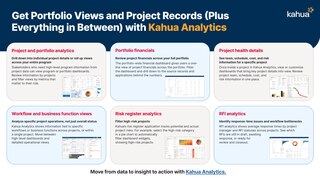
Get Portfolio Views and Project Records (plus Everything in Between) with Kahua Analytics
Who Uses Kahua?