Construction Financial Management Software for Finance Teams
Know where the money stands before month-end.
Connect project costs, funding, approvals, and forecasts to the financial record. Kahua’s construction financial management software simplifies compliance and financial management.






See the current cost picture
Bring budgets, commitments, actuals, changes, and forecasts into one project record, so you can see where costs stand without waiting for month-end reporting.
Reconcile fewer records
Connect project cost workflows with ERP and accounting systems. Reduce duplicate entry, manual matching, and cleanup across systems.
Prepare for audits as you work
Keep approvals, changes, invoices, funding decisions, and supporting documents tied to the transaction and project record instead of rebuilding the trail later.
Track every source of funds
Connect grants, bonds, appropriations, donations, and capital budgets to the work they support, including restrictions, releases, commitments, and balances over time.
Tour Kahua
See how project costs connect to the financial record.

Keep costs current
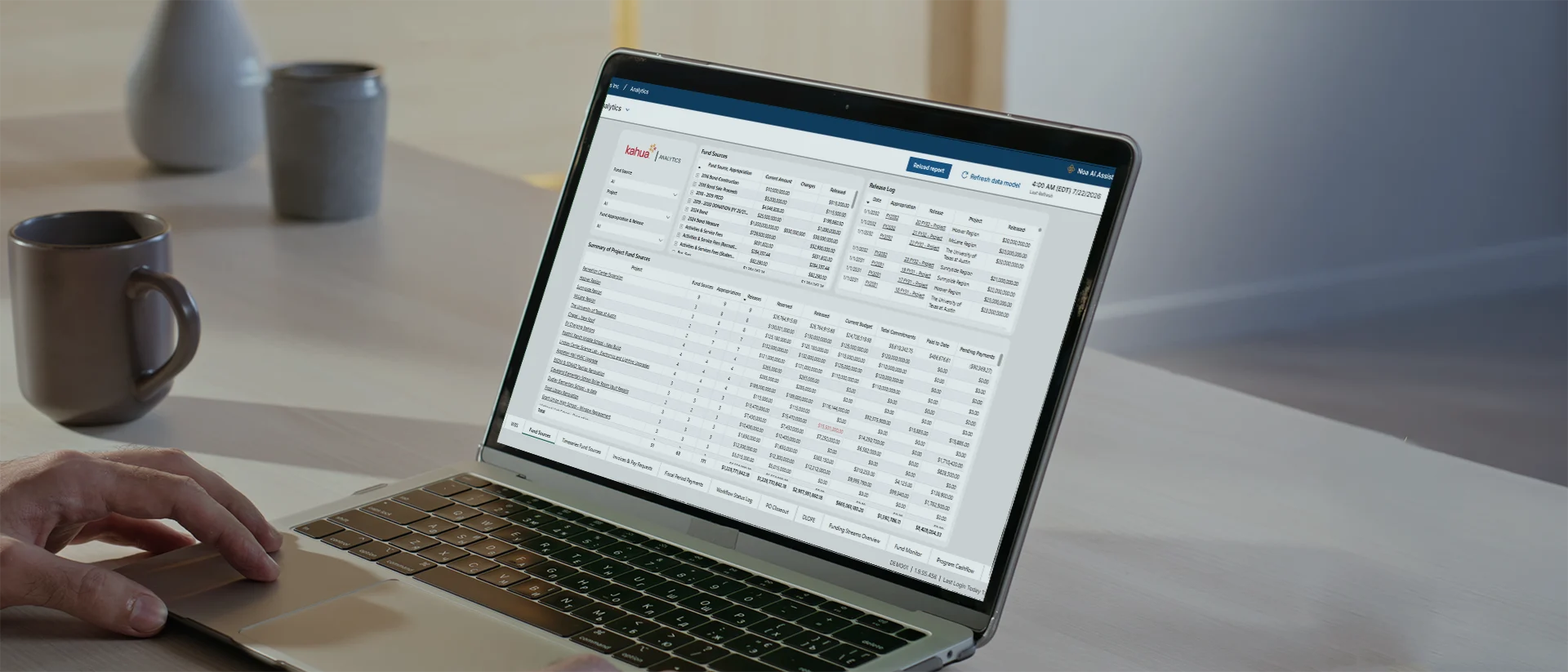
Connect projects and funds

Forecast every dollar

Create reports easily

Stay audit-ready

Reality capture

Put financial data to work with secure, governed AI inside the Kahua platform.
Explore Kahua AIIntegrations
Keep your systems fully connected.












Customer Testimonial
Walters makes month-end data gathering 8x faster.
Security and Governance
Keep approvals and audit evidence tied to the financial record.
FAQs
Frequently asked questions
Finance and compliance teams need current project costs, clear ERP connections, documented approvals, and audit-ready records. See how Kahua supports the financial work behind capital programs.
Construction financial management software connects the project-level processes that shape cost, including budgets, commitments, contracts, changes, invoices, funding, forecasts, and approvals.
Finance teams use that information to understand where project costs stand before the data reaches month-end accounting. Compliance teams can follow the approvals and records behind each transaction instead of recreating the history later.
Kahua supports these workflows without replacing the organization’s accounting or enterprise resource planning system.
Kahua is not intended to replace an ERP or general ledger.
The ERP remains the source for corporate accounting, while Kahua manages the construction workflows and project context that shape financial activity before it reaches accounting. That can include budget development, commitments, potential changes, approvals, pay requests, funding allocations, and forecasts.
The integration design should define which system owns each record, what information moves between them, and when that exchange happens.
Kahua can connect project workflows and cost information with ERP and accounting systems.
Finance, project, and IT teams first determine which platform owns each type of data. They can then define whether budgets, contracts, invoices, actuals, or other records move in one direction or both.
A clear integration design reduces duplicate entry and helps project teams and finance work from records that can be reconciled without relying on spreadsheets.
Kahua keeps approvals, changes, invoices, documents, access history, and workflow activity connected to the relevant project and financial record.
When an auditor or compliance team asks why a cost changed, who approved it, or which document supported the decision, teams can follow the record instead of piecing together emails, shared drives, and spreadsheets.
Organizations should configure workflows, access, retention, and approval requirements around their own policies and regulatory obligations.
Yes. Kahua’s Sources of Funds can connect grants, bonds, appropriations, donations, reserves, and other funding sources to programs, projects, budgets, commitments, and invoices.
Teams can track when funds become available, what restrictions apply, how much has been committed, and what remains. This gives finance and program leaders a clearer record when preparing funding reports or responding to oversight questions.
Kahua can connect budgets, commitments, actual costs, approved changes, potential changes, and expected spending in the project record.
Finance and project teams can compare current obligations with future cash requirements and update forecasts as scope, timing, or project conditions change. Dashboards and reports can then show how those changes affect an individual project or the larger capital portfolio.
Kahua Resources
Explore resources for finance and compliance teams.




Who Uses Kahua?