Construction Closeout Software
Turn a completed project into an operations-ready facility.
Kahua brings commissioning, deficiency resolution, closeout, and handover into one governed workflow, so owners know what is ready, what remains, and who needs to act.
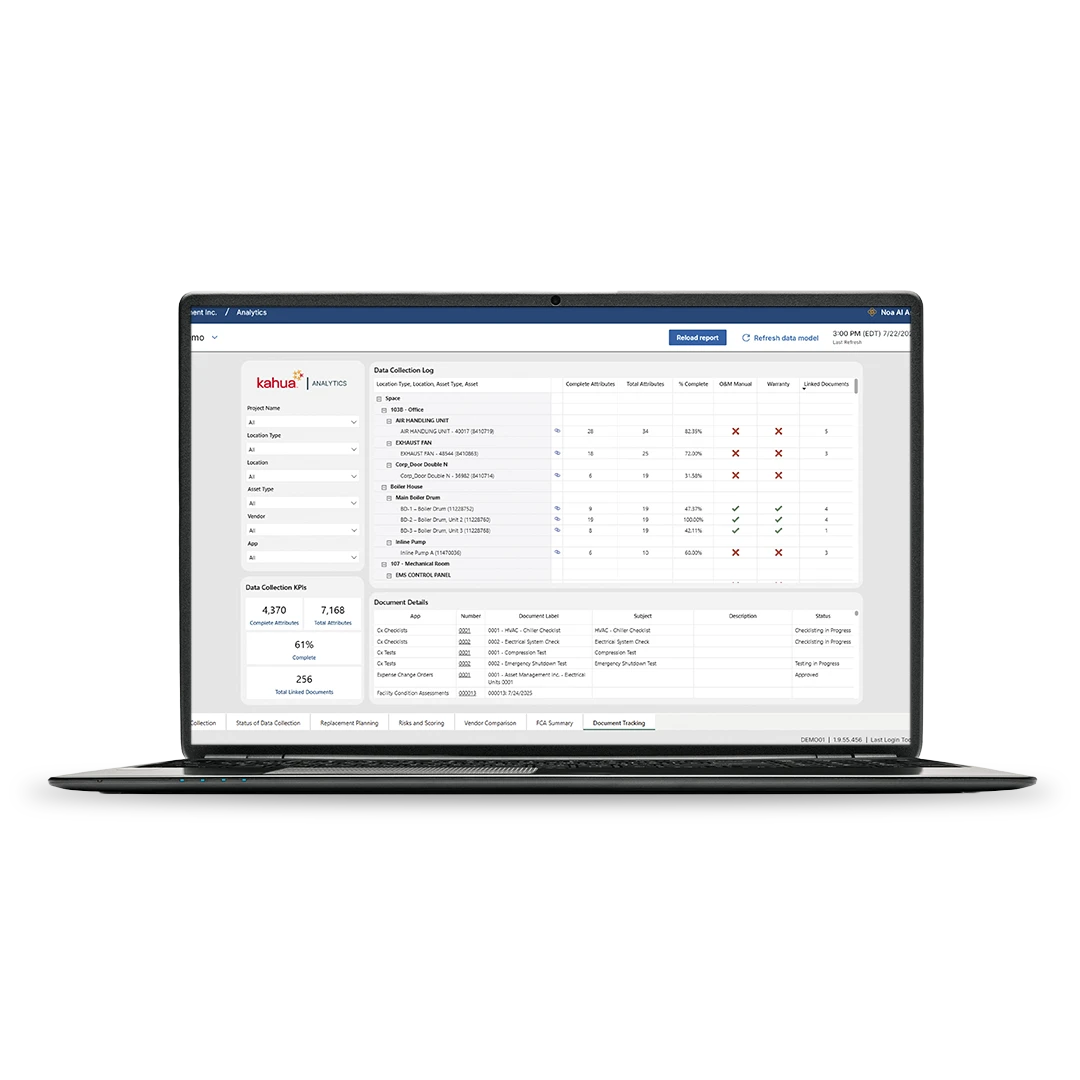
Turn inspection findings into clear, accountable follow-up.
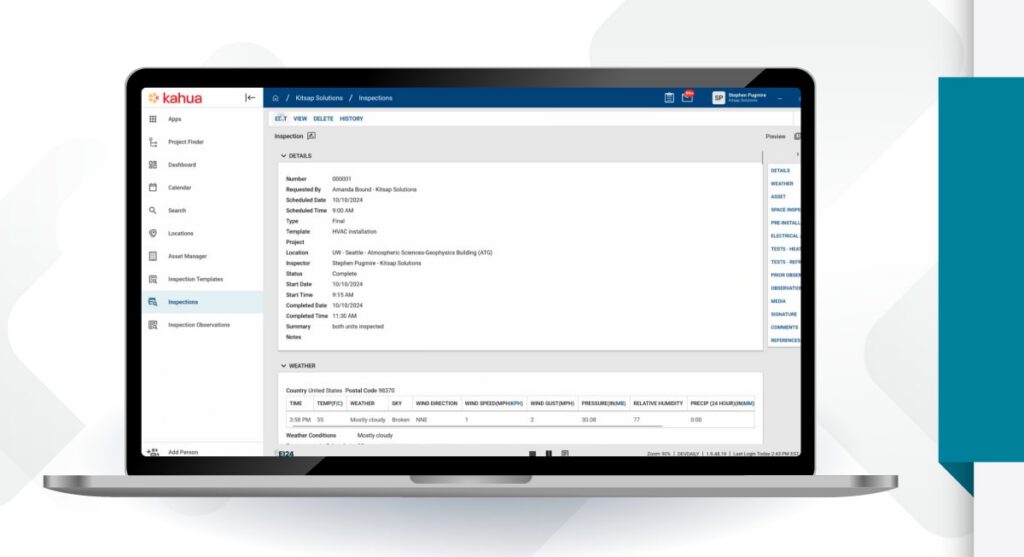
When an inspection finds a deficiency, keep the finding, assignment, response, and verification connected instead of managing follow-up elsewhere.
Verify corrective work before the owner accepts it.
Document corrective work and confirm requirements have been met before approval, giving a clearer basis for accepting each system or area.
Hand over a complete, owner-controlled project record.
Give operations teams a governed record of what was tested, resolved, accepted, and delivered when responsibility changes hands.
Adapt commissioning and closeout to every project type.
Configure forms and workflows for different facilities, systems, contractors, and approval paths—without forcing every project into the same process.
Commissioning with Kahua
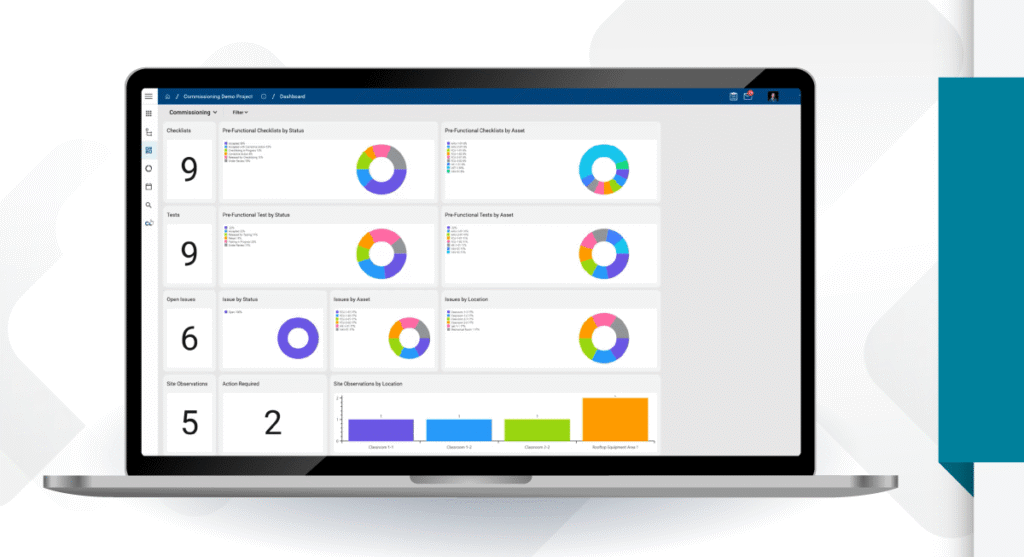
See how teams move from field checks to final handover in Kahua.
FAQs
Frequently asked questions
Learn how Kahua helps teams keep closeout work visible, resolve issues before they delay acceptance, and prepare a clearer record for handover.
Construction project closeout is the final stage of delivery, when the team confirms that the work meets the owner’s requirements and the project is ready to be handed over.
Kahua keeps that process connected to the project record. Teams can see what remains open, document how issues were resolved, and preserve the basis for final acceptance.
Punch lists and commissioning are easier to manage when findings stay connected to the work that caused them.
In Kahua, an open item can move from field review to correction and verification without losing its original context. That gives everyone a clearer view of progress and makes it less likely that unfinished work will surface at the last minute.
Smooth handover starts by keeping the record current while the project is still active.
Kahua preserves the history behind completed work, so operations gets more than a giant collection of PDFs. With a detailed digital record, the team taking over the facility can understand what was delivered, what the owner accepted, and where to look for supporting information.
Construction closeout software should make the path to final acceptance easier to follow.
Teams should be able to see what remains, understand who is responsible, and confirm that corrective work has been completed. The final record should also stay under the owner’s control after the delivery team leaves.
Closeout planning should begin well before the project reaches its final weeks.
Setting expectations early gives the delivery team time to gather the right information and address incomplete work while the people who know the project are still involved. It also turns handover into a managed transition instead of an end-of-project scramble.
Kahua Resources
Explore commissioning, closeout, and handover resources.

Explore Related Solutions