Construction Compliance Software
Keep approvals and records ready for review.
Kahua’s construction compliance software keeps project activity tied to a clear record, helping teams answer audit questions without rebuilding the story later.
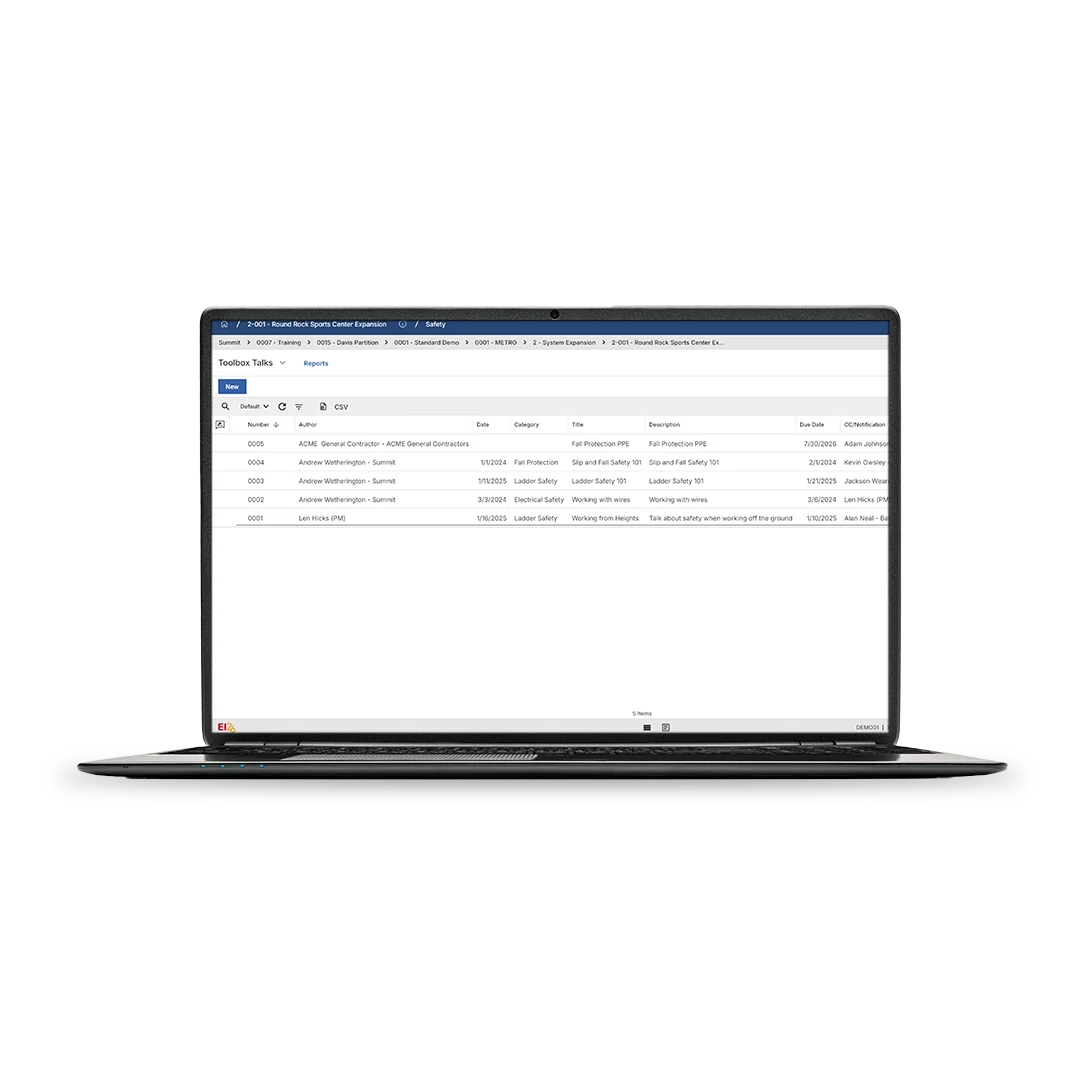
Build the record as the work happens.
Compliance is hard when daily work lives outside the system. Kahua keeps each review, update, and document tied to the record for future reference.
Create repeatable workflows for reviews.
Set review paths that match your process, and keep each step connected to the record instead of relying on inbox history or side conversations.
Connect financial controls.
Cost changes are easier to review when budget, commitment, funding, and payment activity stay connected to the decision history behind them.
Control access without slowing work.
Give teams and reviewers the right level of access, so sensitive project information stays governed while audit questions remain easier to answer.
Audit Controls with Kahua
See how contract changes support compliance inside Kahua.
Enterprise-Grade Security
Keep compliant. Stay secure.
FAQs
Frequently asked questions
Learn how Kahua Audit & Compliance Controls helps construction teams keep approvals, financial records, documents, and compliance activity easier to trace.
Construction compliance software helps teams manage the records and workflows that support audits, regulatory reviews, contract requirements, and internal governance. In Kahua, that work stays connected to the project record, so teams can trace decisions without searching through disconnected systems.
Owners and contractors in highly regulated industries like healthcare, public transportation and infrastructure, education facilities, utilities, and federal work must follow strict compliance controls.
Kahua helps teams manage that work in a governed environment, with workflows and controls that make it easier to respond to audits, compliance reviews, board questions, funding requirements, and public accountability.
Many audit questions come back to money: what changed, who approved it, and whether the supporting record is complete. Kahua keeps financial activity tied to the project record, helping teams review budget movement, payment activity, and funding decisions with more context.
Kahua helps teams capture records at the point where the need for them starts: a cost change, contract update, approval, payment request, funding question, or compliance review. Because that activity is tied to the project record, it’s easy to reference and report on for audits and compliance requirements.
Contractors working with Department of Defense (DoD) owners often need a more controlled way to manage sensitive project data, documentation, and collaboration. Kahua offers secure project workflows, approvals, document controls, and a free CMMC app that helps contractors organize CMMC-related readiness activities in one place.
CMMC readiness still depends on each organization’s policies, processes, training, controls, and assessment path, but Kahua can give teams a stronger operational foundation for the work.
Kahua Resources
More resources for compliance-ready construction records.



Related Solutions